iOS APP EVIDENCE
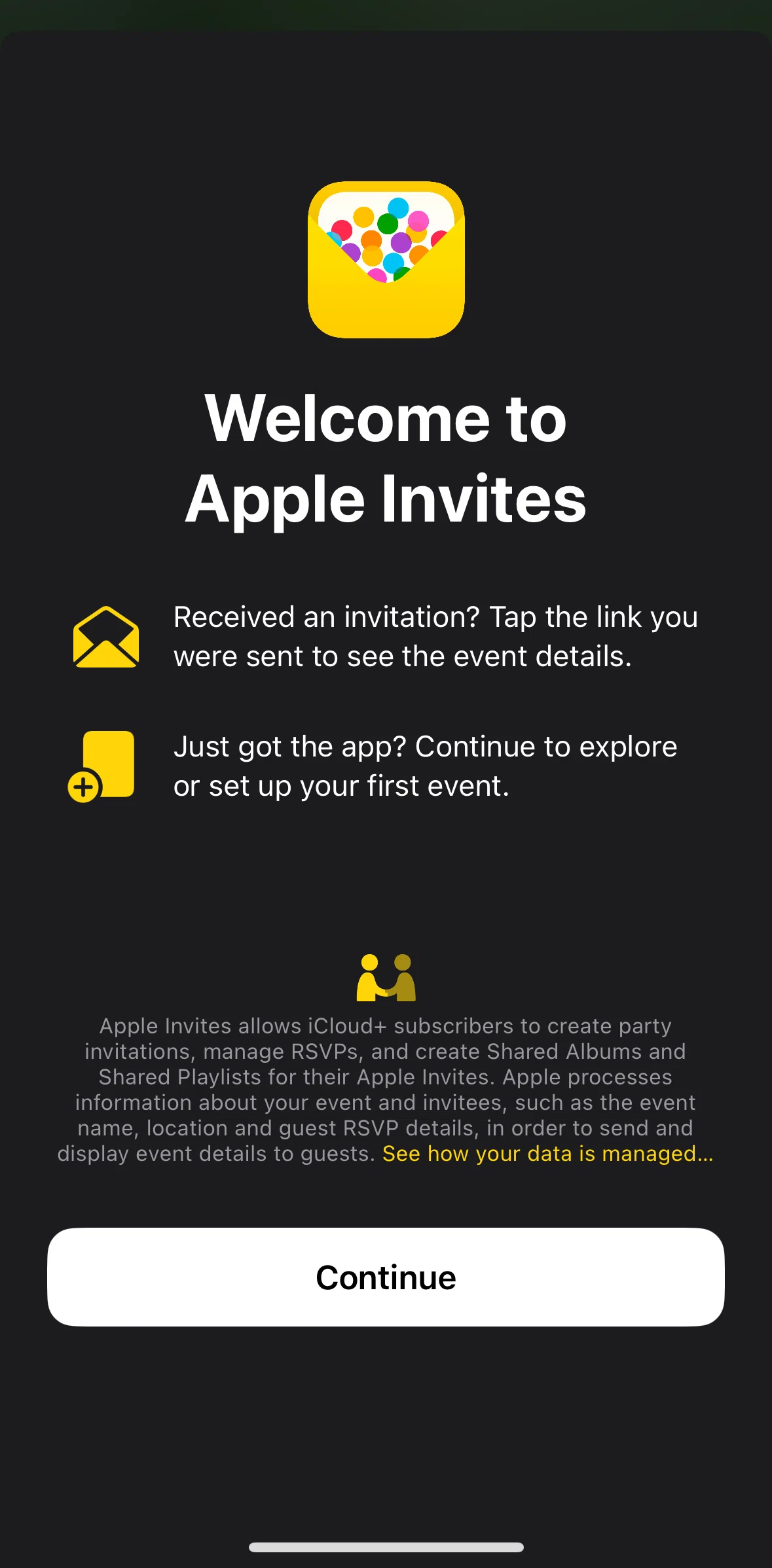
Apple Invites iOS Screens & User Flows
iOSLifestyleApple Inc.
- Screens
- 8
featured flow- Flows
- 23
captured journeys
1ScreenFree2ScreenFreePROMember-only screenUnlock with membership 3Locked
PROMember-only screenUnlock with membership 4Locked
PROMember-only screenUnlock with membership 5Locked
PROMember-only screenUnlock with membership 6Locked
PROMember-only screenUnlock with membership 7Locked
PROMember-only screenUnlock with membership 8Locked
FLOWS
Captured user journeys
FLOW 01Add an integration3 screens · Feb 17, 2025→FLOW 02Adding a background5 screens · Feb 17, 2025→FLOW 03Adding a playlist7 screens · Feb 17, 2025→FLOW 04Adding an address7 screens · Feb 17, 2025→FLOW 05Adding an event to calendar4 screens · Feb 17, 2025→FLOW 06Adding date and time7 screens · Feb 17, 2025→FLOW 07Adding event details4 screens · Feb 17, 2025→FLOW 08Adding photos9 screens · Feb 17, 2025→FLOW 09App Settings4 screens · Feb 17, 2025→FLOW 10Choosing guests6 screens · Feb 17, 2025→FLOW 11Creating an event20 screens · Feb 17, 2025→FLOW 12Customizing event settings6 screens · Feb 17, 2025→FLOW 13Deleting an event3 screens · Feb 17, 2025→FLOW 14Event detail5 screens · Feb 17, 2025→FLOW 15Event settings3 screens · Feb 17, 2025→FLOW 16Events4 screens · Feb 17, 2025→FLOW 17Filtering events3 screens · Feb 17, 2025→FLOW 18Guest details3 screens · Feb 17, 2025→FLOW 19Guest list4 screens · Feb 17, 2025→FLOW 20Onboarding8 screens · Feb 17, 2025→FLOW 21Saving an event to drafts3 screens · Feb 17, 2025→FLOW 22Sending a note5 screens · Feb 17, 2025→FLOW 23Upgrading to iCloud+4 screens · Feb 17, 2025→