iOS APP EVIDENCE
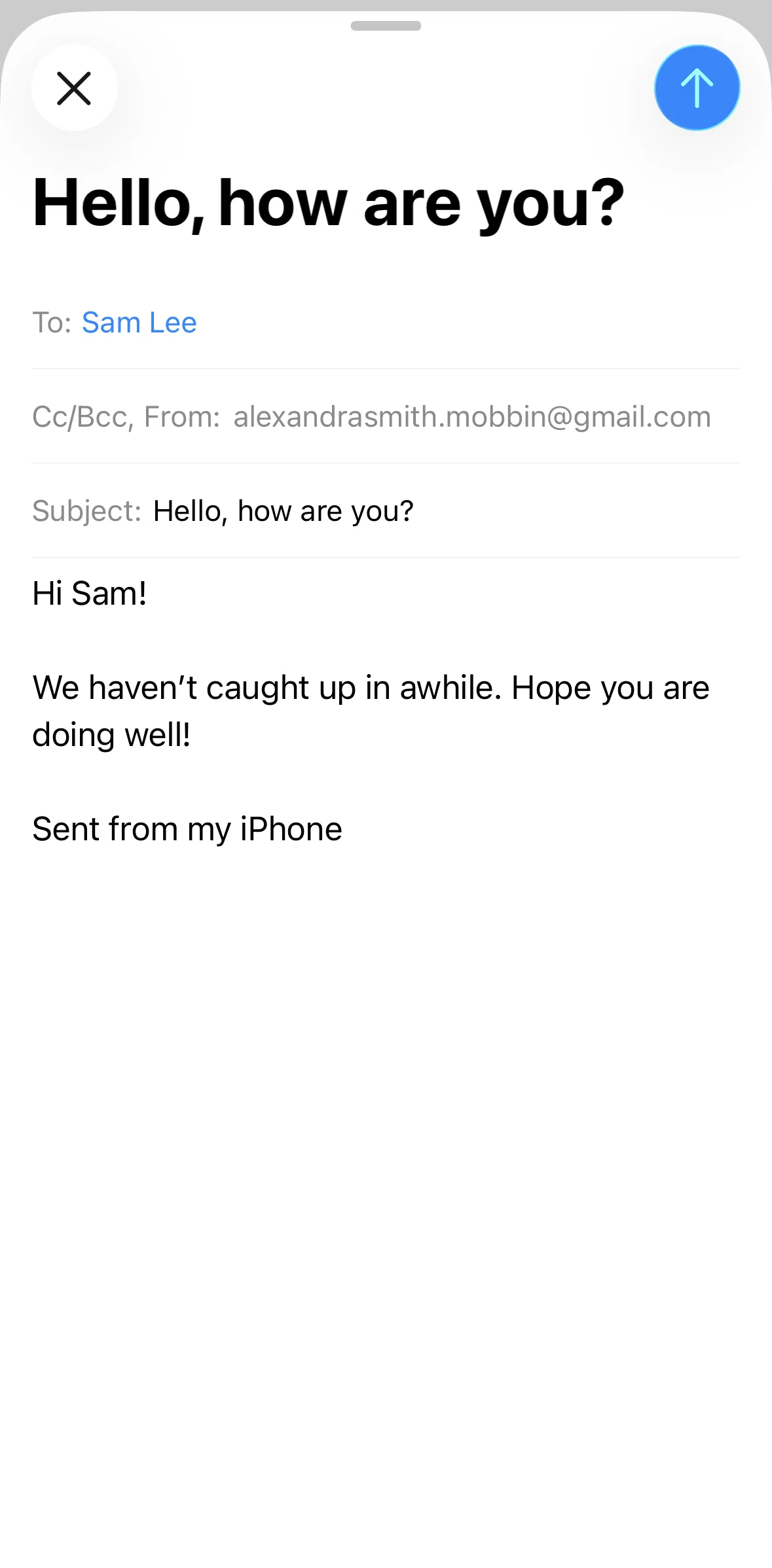
Mail iOS Screens & User Flows
iOSProductivityApple Inc.
- Screens
- 12
featured flow- Flows
- 54
captured journeys
1ScreenFree2ScreenFreePROMember-only screenUnlock with membership 3Locked
PROMember-only screenUnlock with membership 4Locked
PROMember-only screenUnlock with membership 5Locked
PROMember-only screenUnlock with membership 6Locked
PROMember-only screenUnlock with membership 7Locked
PROMember-only screenUnlock with membership 8Locked
PROMember-only screenUnlock with membership 9Locked
PROMember-only screenUnlock with membership 10Locked
PROMember-only screenUnlock with membership 11Locked
PROMember-only screenUnlock with membership 12Locked
FLOWS
Captured user journeys
FLOW 01About categories3 screens · Feb 16, 2026→FLOW 02Add account from list3 screens · Feb 16, 2026→FLOW 03Adding a contact3 screens · Feb 16, 2026→FLOW 04Adding a drawing11 screens · Feb 16, 2026→FLOW 05Adding a file attachment4 screens · Feb 16, 2026→FLOW 06Adding a loupe4 screens · Feb 16, 2026→FLOW 07Adding a recipient3 screens · Feb 16, 2026→FLOW 08Adding a recipient (contacts)4 screens · Feb 16, 2026→FLOW 09Adding a shape6 screens · Feb 16, 2026→FLOW 10Adding a signature7 screens · Feb 16, 2026→FLOW 11Adding a sticker5 screens · Feb 16, 2026→FLOW 12Adding a subject2 screens · Feb 16, 2026→FLOW 13Adding an account10 screens · Feb 16, 2026→FLOW 14Adding an image description5 screens · Feb 16, 2026→FLOW 15Adding text4 screens · Feb 16, 2026→FLOW 16Archiving an email2 screens · Feb 16, 2026→FLOW 17Blocking a contact4 screens · Feb 16, 2026→FLOW 18Browsing inbox2 screens · Feb 16, 2026→FLOW 19Categorizing a sender4 screens · Feb 16, 2026→FLOW 20Contact information2 screens · Feb 16, 2026→FLOW 21Copying a recipient3 screens · Feb 16, 2026→FLOW 22Creating a new mailbox6 screens · Feb 16, 2026→FLOW 23Customizing a scan8 screens · Feb 16, 2026→FLOW 24Deleting a contact4 screens · Feb 16, 2026→FLOW 25Deleting a draft3 screens · Feb 16, 2026→FLOW 26Drafts2 screens · Feb 16, 2026→FLOW 27Edit mailbox3 screens · Feb 16, 2026→FLOW 28Editing a reminder6 screens · Feb 16, 2026→FLOW 29Email detail5 screens · Feb 16, 2026→FLOW 30Filtering inbox6 screens · Feb 16, 2026→FLOW 31Flagging an email3 screens · Feb 16, 2026→FLOW 32Formatting text12 screens · Feb 16, 2026→FLOW 33Hiding contact photos2 screens · Feb 16, 2026→FLOW 34Inbox6 screens · Feb 16, 2026→FLOW 35Mailboxes3 screens · Feb 16, 2026→FLOW 36Marking an email as unread3 screens · Feb 16, 2026→FLOW 37Moving an email3 screens · Feb 16, 2026→FLOW 38Muting a sender2 screens · Feb 16, 2026→FLOW 39Print email2 screens · Feb 16, 2026→FLOW 40Reordering mailboxes5 screens · Feb 16, 2026→FLOW 41Replying to an email6 screens · Feb 16, 2026→FLOW 42Saving a draft3 screens · Feb 16, 2026→FLOW 43Scanning a document6 screens · Feb 16, 2026→FLOW 44Scanning text4 screens · Feb 16, 2026→FLOW 45Searching inbox4 screens · Feb 16, 2026→FLOW 46Sending an email4 screens · Feb 16, 2026→FLOW 47Setting a notification reminder5 screens · Feb 16, 2026→FLOW 48Setting a reminder4 screens · Feb 16, 2026→FLOW 49Switching to list view3 screens · Feb 16, 2026→FLOW 50Unsubscribing from a mailing list3 screens · Feb 16, 2026→FLOW 51View drafts2 screens · Feb 16, 2026→FLOW 52VIP contacts2 screens · Feb 16, 2026→FLOW 53VIP mailbox2 screens · Feb 16, 2026→FLOW 54Widgets2 screens · Feb 16, 2026→