iOS APP EVIDENCE
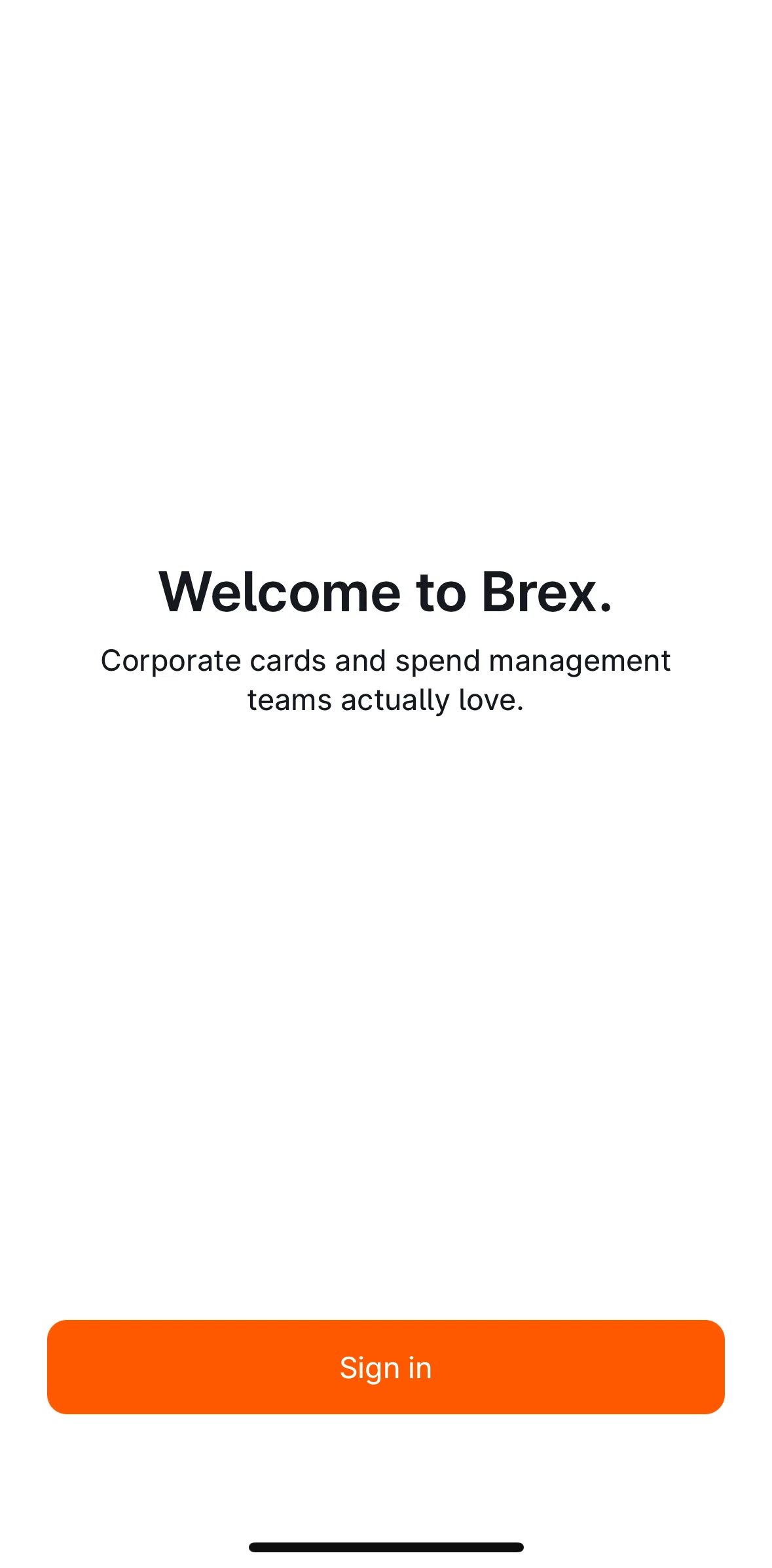
Brex iOS Screens & User Flows
iOSBusinessBrex, Inc
- Screens
- 8
featured flow- Flows
- 62
captured journeys
1ScreenFree2ScreenFreePROMember-only screenUnlock with membership 3Locked
PROMember-only screenUnlock with membership 4Locked
PROMember-only screenUnlock with membership 5Locked
PROMember-only screenUnlock with membership 6Locked
PROMember-only screenUnlock with membership 7Locked
PROMember-only screenUnlock with membership 8Locked
FLOWS
Captured user journeys
FLOW 01Account & settings3 screens · Feb 24, 2025→FLOW 02Account information2 screens · Feb 24, 2025→FLOW 03Add a comment3 screens · Feb 24, 2025→FLOW 04Add to Apple Wallet2 screens · Feb 24, 2025→FLOW 05Adding a memo2 screens · Feb 24, 2025→FLOW 06Adding a receipt11 screens · Feb 24, 2025→FLOW 07Adding an alert7 screens · Feb 24, 2025→FLOW 08Adding an external attendee5 screens · Feb 24, 2025→FLOW 09All expenses4 screens · Feb 24, 2025→FLOW 10Assigning a new limit3 screens · Feb 24, 2025→FLOW 11Assistant options2 screens · Feb 24, 2025→FLOW 12Available limit7 screens · Feb 24, 2025→FLOW 13Brex Assistant6 screens · Feb 24, 2025→FLOW 14Cancel a card3 screens · Feb 24, 2025→FLOW 15Canceling a budget request2 screens · Feb 24, 2025→FLOW 16Card details4 screens · Feb 24, 2025→FLOW 17Change address8 screens · Feb 24, 2025→FLOW 18Chatting with support4 screens · Feb 24, 2025→FLOW 19Compliance rating2 screens · Feb 24, 2025→FLOW 20Connecting a bank account13 screens · Feb 24, 2025→FLOW 21Connecting to Google Calendar3 screens · Feb 24, 2025→FLOW 22Copying card number2 screens · Feb 24, 2025→FLOW 23Creating a new virtual card7 screens · Feb 24, 2025→FLOW 24Delete a receipt2 screens · Feb 24, 2025→FLOW 25Deleting a draft3 screens · Feb 24, 2025→FLOW 26Disconnect a bank account3 screens · Feb 24, 2025→FLOW 27Edit card name3 screens · Feb 24, 2025→FLOW 28ETA information2 screens · Feb 24, 2025→FLOW 29File a dispute4 screens · Feb 24, 2025→FLOW 30Giving feedback4 screens · Feb 24, 2025→FLOW 31Inviting a referral3 screens · Feb 24, 2025→FLOW 32Itemize expense5 screens · Feb 24, 2025→FLOW 33Limit policy4 screens · Feb 24, 2025→FLOW 34Locking a card3 screens · Feb 24, 2025→FLOW 35More2 screens · Feb 24, 2025→FLOW 36Notifications2 screens · Feb 24, 2025→FLOW 37Notifications (Settings)3 screens · Feb 24, 2025→FLOW 38Onboarding8 screens · Feb 24, 2025→FLOW 39Order physical card4 screens · Feb 24, 2025→FLOW 40Pending request3 screens · Feb 24, 2025→FLOW 41Refer a friend5 screens · Feb 24, 2025→FLOW 42Reimbursement approved5 screens · Feb 24, 2025→FLOW 43Reimbursement reviewed5 screens · Feb 24, 2025→FLOW 44Replace a card7 screens · Feb 24, 2025→FLOW 45Request a limit increase4 screens · Feb 24, 2025→FLOW 46Request mileage7 screens · Feb 24, 2025→FLOW 47Request reimbursement16 screens · Feb 24, 2025→FLOW 48Requesting new spend limit17 screens · Feb 24, 2025→FLOW 49Saving a draft2 screens · Feb 24, 2025→FLOW 50Send an email to support4 screens · Feb 24, 2025→FLOW 51Showing card details2 screens · Feb 24, 2025→FLOW 52Signing out3 screens · Feb 24, 2025→FLOW 53Switch limit5 screens · Feb 24, 2025→FLOW 54Switching to dark mode3 screens · Feb 24, 2025→FLOW 55Tasks5 screens · Feb 24, 2025→FLOW 56Turn on sound2 screens · Feb 24, 2025→FLOW 57Turning on notifications3 screens · Feb 24, 2025→FLOW 58View an expense4 screens · Feb 24, 2025→FLOW 59View limit details2 screens · Feb 24, 2025→FLOW 60View other card2 screens · Feb 24, 2025→FLOW 61View task4 screens · Feb 24, 2025→FLOW 62Wallet3 screens · Feb 24, 2025→