iOS APP EVIDENCE
Calendly iOS Screens & User Flows
iOSBusinessCalendly, LLC
- Screens
- 17
featured flow- Flows
- 46
captured journeys
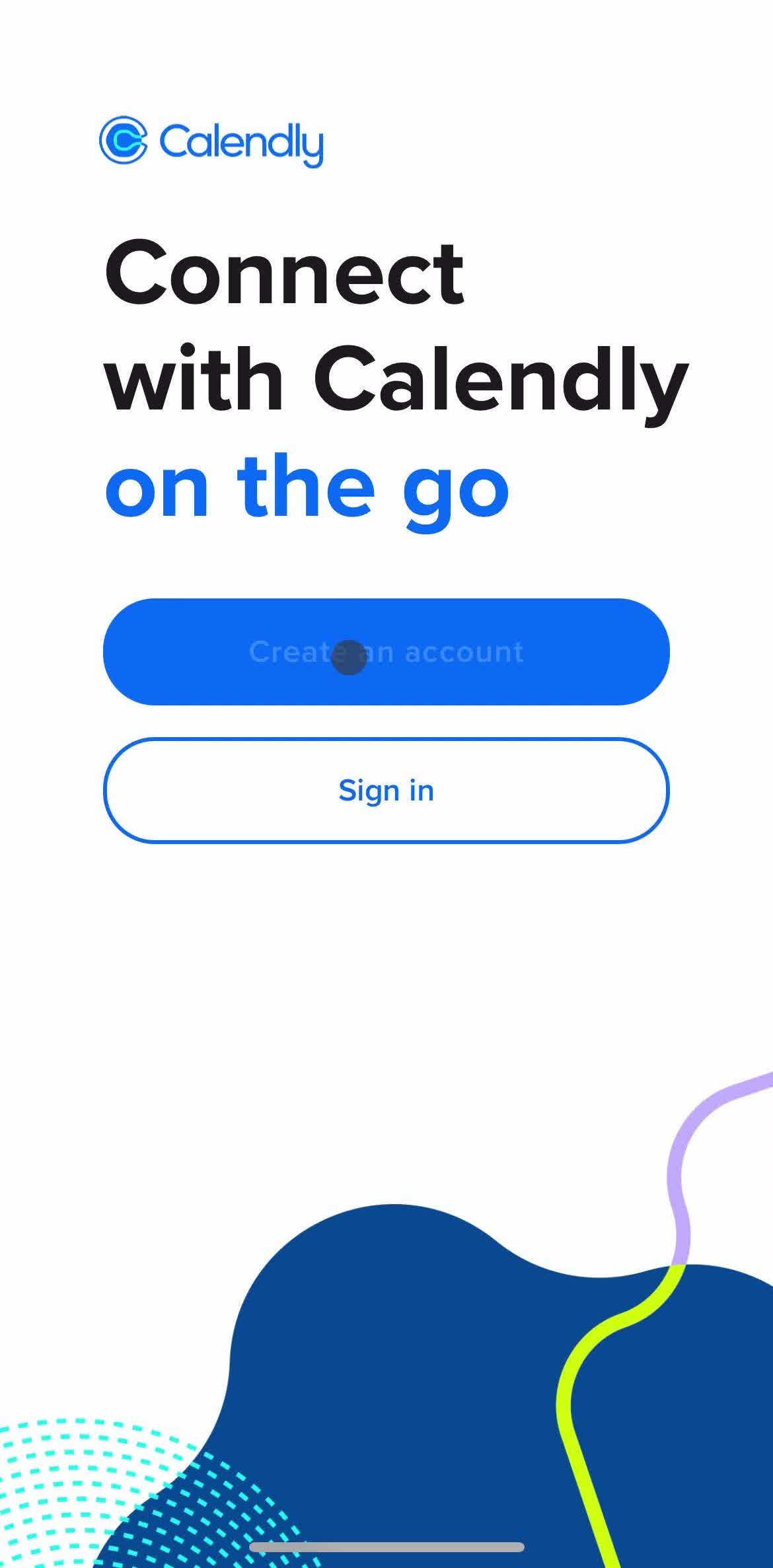
1Splash screenFree2Create accountFreePROMember-only screenUnlock with membership 3Locked
PROMember-only screenUnlock with membership 4Locked
PROMember-only screenUnlock with membership 5Locked
PROMember-only screenUnlock with membership 6Locked
PROMember-only screenUnlock with membership 7Locked
PROMember-only screenUnlock with membership 8Locked
PROMember-only screenUnlock with membership 9Locked
PROMember-only screenUnlock with membership 10Locked
PROMember-only screenUnlock with membership 11Locked
PROMember-only screenUnlock with membership 12Locked
PROMember-only screenUnlock with membership 13Locked
PROMember-only screenUnlock with membership 14Locked
PROMember-only screenUnlock with membership 15Locked
PROMember-only screenUnlock with membership 16Locked
PROMember-only screenUnlock with membership 17Locked
FLOWS
Captured user journeys
FLOW 01Account2 screens · Apr 26, 2022→FLOW 02Account link2 screens · Apr 26, 2022→FLOW 03Adding a date override8 screens · Apr 26, 2022→FLOW 04Adding a location5 screens · Apr 26, 2022→FLOW 05Analytics Stats11 screens · Aug 26, 2026→FLOW 06App Settings24 screens · Aug 26, 2026→FLOW 07Availability2 screens · Apr 26, 2022→FLOW 08Canceling an event5 screens · Apr 26, 2022→FLOW 09Cloning an event5 screens · Apr 26, 2022→FLOW 10Copying a link2 screens · Apr 26, 2022→FLOW 11Copying a single-use link2 screens · Apr 26, 2022→FLOW 12Creating a QR code2 screens · Apr 26, 2022→FLOW 13Creating An Automation Workflow26 screens · Aug 26, 2026→FLOW 14Creating An Event Type19 screens · Aug 26, 2026→FLOW 15Delete Account5 screens · Aug 26, 2026→FLOW 16Edit Profile12 screens · Aug 26, 2026→FLOW 17Editing an internal note4 screens · Apr 26, 2022→FLOW 18Editing event duration5 screens · Apr 26, 2022→FLOW 19Editing Event Type35 screens · Aug 26, 2026→FLOW 20Editing my default message3 screens · Apr 26, 2022→FLOW 21Event type detail5 screens · Apr 26, 2022→FLOW 22Event types2 screens · Apr 26, 2022→FLOW 23General Browsing42 screens · Aug 26, 2026→FLOW 24Giving Feedback9 screens · Aug 26, 2026→FLOW 25Help and support2 screens · Apr 26, 2022→FLOW 26Help Center14 screens · Aug 26, 2026→FLOW 27Inviting People5 screens · Aug 26, 2026→FLOW 28Logging Out4 screens · Aug 26, 2026→FLOW 29Login4 screens · Aug 26, 2026→FLOW 30Notifications3 screens · Apr 26, 2022→FLOW 31Onboarding17 screens · Aug 26, 2026→FLOW 32One-off meeting3 screens · Apr 26, 2022→FLOW 33Password Reset7 screens · Aug 26, 2026→FLOW 34Renaming an event type4 screens · Apr 26, 2022→FLOW 35Rescheduling an event13 screens · Apr 26, 2022→FLOW 36Scheduled events5 screens · Apr 26, 2022→FLOW 37Scheduling A Meeting13 screens · Aug 26, 2026→FLOW 38Scheduling an event11 screens · Apr 26, 2022→FLOW 39Scheduling an event (one-off meeting)9 screens · Apr 26, 2022→FLOW 40Sending feedback7 screens · Apr 26, 2022→FLOW 41Sharing14 screens · Aug 26, 2026→FLOW 42Sharing an event3 screens · Apr 26, 2022→FLOW 43Sharing an event type3 screens · Apr 26, 2022→FLOW 44Updating working hours6 screens · Apr 26, 2022→FLOW 45Upgrade Account12 screens · Aug 26, 2026→FLOW 46View booking page2 screens · Apr 26, 2022→