iOS APP EVIDENCE
Revolut Business iOS Screens & User Flows
iOSFinanceRevolut Ltd
- Screens
- 65
featured flow- Flows
- 177
captured journeys
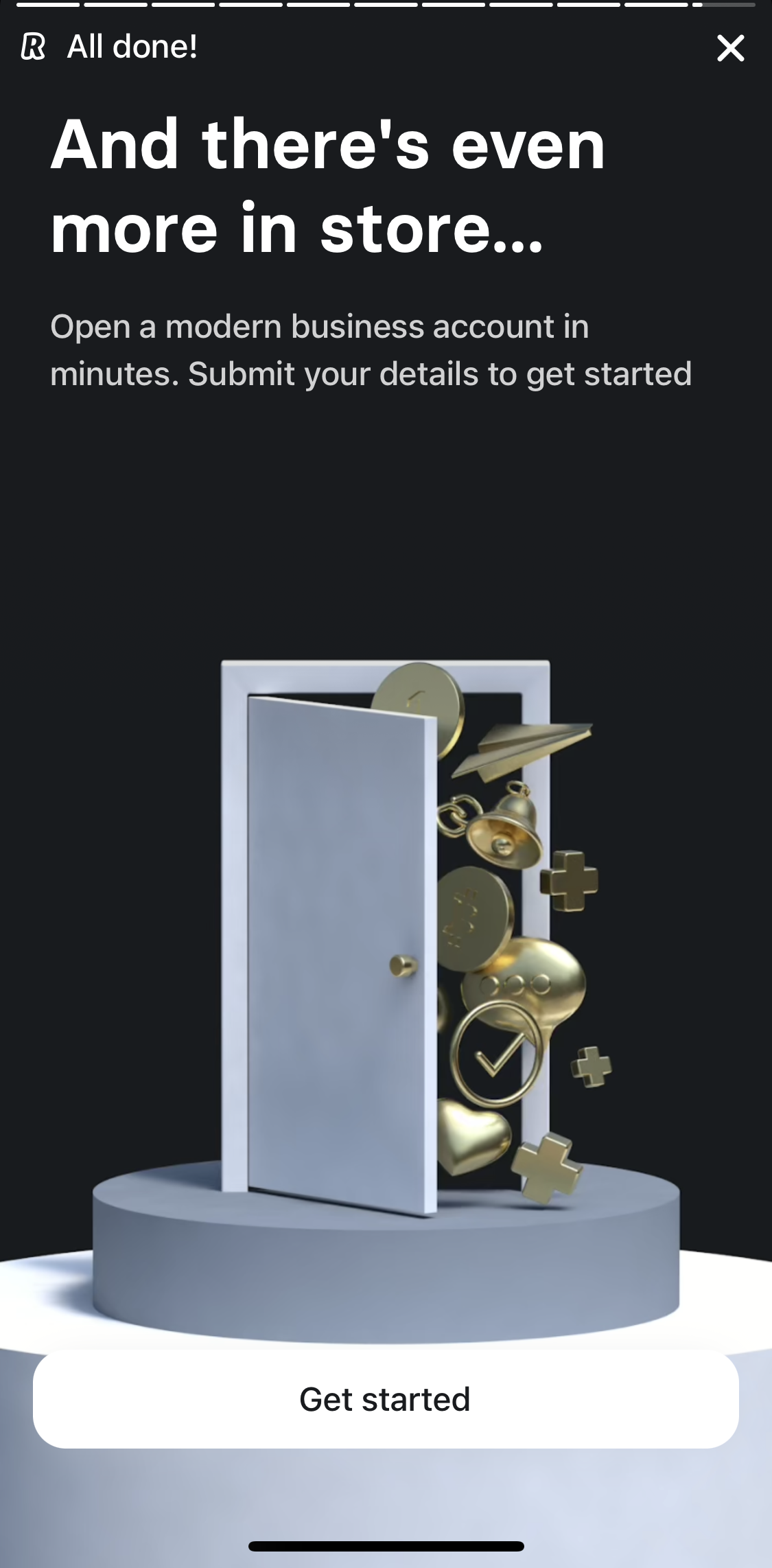
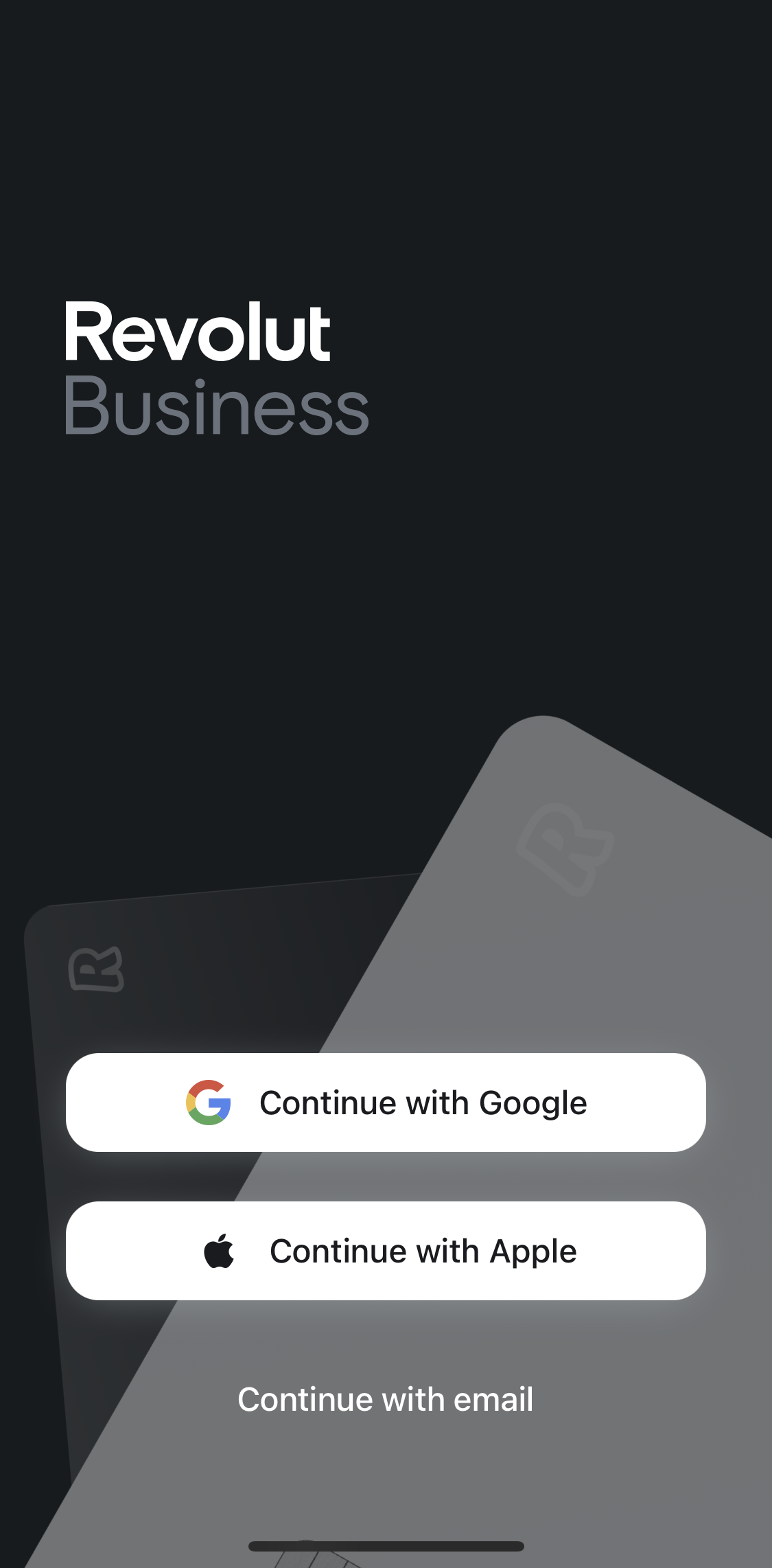
1Welcome slidesFree2Sign upFreePROMember-only screenUnlock with membership 3Locked
PROMember-only screenUnlock with membership 4Locked
PROMember-only screenUnlock with membership 5Locked
PROMember-only screenUnlock with membership 6Locked
PROMember-only screenUnlock with membership 7Locked
PROMember-only screenUnlock with membership 8Locked
PROMember-only screenUnlock with membership 9Locked
PROMember-only screenUnlock with membership 10Locked
PROMember-only screenUnlock with membership 11Locked
PROMember-only screenUnlock with membership 12Locked
PROMember-only screenUnlock with membership 13Locked
PROMember-only screenUnlock with membership 14Locked
PROMember-only screenUnlock with membership 15Locked
PROMember-only screenUnlock with membership 16Locked
PROMember-only screenUnlock with membership 17Locked
PROMember-only screenUnlock with membership 18Locked
PROMember-only screenUnlock with membership 19Locked
PROMember-only screenUnlock with membership 20Locked
PROMember-only screenUnlock with membership 21Locked
PROMember-only screenUnlock with membership 22Locked
PROMember-only screenUnlock with membership 23Locked
PROMember-only screenUnlock with membership 24Locked
PROMember-only screenUnlock with membership 25Locked
PROMember-only screenUnlock with membership 26Locked
PROMember-only screenUnlock with membership 27Locked
PROMember-only screenUnlock with membership 28Locked
PROMember-only screenUnlock with membership 29Locked
PROMember-only screenUnlock with membership 30Locked
PROMember-only screenUnlock with membership 31Locked
PROMember-only screenUnlock with membership 32Locked
PROMember-only screenUnlock with membership 33Locked
PROMember-only screenUnlock with membership 34Locked
PROMember-only screenUnlock with membership 35Locked
PROMember-only screenUnlock with membership 36Locked
PROMember-only screenUnlock with membership 37Locked
PROMember-only screenUnlock with membership 38Locked
PROMember-only screenUnlock with membership 39Locked
PROMember-only screenUnlock with membership 40Locked
PROMember-only screenUnlock with membership 41Locked
PROMember-only screenUnlock with membership 42Locked
PROMember-only screenUnlock with membership 43Locked
PROMember-only screenUnlock with membership 44Locked
PROMember-only screenUnlock with membership 45Locked
PROMember-only screenUnlock with membership 46Locked
PROMember-only screenUnlock with membership 47Locked
PROMember-only screenUnlock with membership 48Locked
PROMember-only screenUnlock with membership 49Locked
PROMember-only screenUnlock with membership 50Locked
PROMember-only screenUnlock with membership 51Locked
PROMember-only screenUnlock with membership 52Locked
PROMember-only screenUnlock with membership 53Locked
PROMember-only screenUnlock with membership 54Locked
PROMember-only screenUnlock with membership 55Locked
PROMember-only screenUnlock with membership 56Locked
PROMember-only screenUnlock with membership 57Locked
PROMember-only screenUnlock with membership 58Locked
PROMember-only screenUnlock with membership 59Locked
PROMember-only screenUnlock with membership 60Locked
PROMember-only screenUnlock with membership 61Locked
PROMember-only screenUnlock with membership 62Locked
PROMember-only screenUnlock with membership 63Locked
PROMember-only screenUnlock with membership 64Locked
PROMember-only screenUnlock with membership 65Locked
FLOWS
Captured user journeys
FLOW 01Account (Menu)3 screens · Feb 16, 2026→FLOW 02Account details4 screens · Feb 16, 2026→FLOW 03Account settings2 screens · Feb 16, 2026→FLOW 04Accounting categories3 screens · Feb 16, 2026→FLOW 05Activity4 screens · Feb 16, 2026→FLOW 06Add an account3 screens · Feb 16, 2026→FLOW 07Adding a bank detail5 screens · Feb 16, 2026→FLOW 08Adding a bill10 screens · Feb 16, 2026→FLOW 09Adding a category5 screens · Feb 16, 2026→FLOW 10Adding a customer9 screens · Feb 16, 2026→FLOW 11Adding a picture4 screens · Feb 16, 2026→FLOW 12Adding a product7 screens · Feb 16, 2026→FLOW 13Adding a recipient7 screens · Feb 16, 2026→FLOW 14Adding a role5 screens · Feb 16, 2026→FLOW 15Adding a widget5 screens · Feb 16, 2026→FLOW 16Adding an account8 screens · Feb 16, 2026→FLOW 17Adding business detail13 screens · Feb 16, 2026→FLOW 18Adding money (Treasury)8 screens · Feb 16, 2026→FLOW 19Analytics5 screens · Feb 16, 2026→FLOW 20Analytics detail2 screens · Feb 16, 2026→FLOW 21APIs3 screens · Feb 16, 2026→FLOW 22App Settings3 screens · Feb 16, 2026→FLOW 23Approving a request2 screens · Feb 16, 2026→FLOW 24Assigning a card4 screens · Feb 16, 2026→FLOW 25Bespoke account support2 screens · Feb 16, 2026→FLOW 26Bill detail3 screens · Feb 16, 2026→FLOW 27Billing & plan3 screens · Feb 16, 2026→FLOW 28Bills2 screens · Feb 16, 2026→FLOW 29Business detail4 screens · Feb 16, 2026→FLOW 30Canceling a payout link4 screens · Feb 16, 2026→FLOW 31Card detail3 screens · Feb 16, 2026→FLOW 32Card history2 screens · Feb 16, 2026→FLOW 33Card requests2 screens · Feb 16, 2026→FLOW 34Card settings (card detail)3 screens · Feb 16, 2026→FLOW 35Card settings (Cards)2 screens · Feb 16, 2026→FLOW 36Cards2 screens · Feb 16, 2026→FLOW 37Cards (member only)2 screens · Feb 16, 2026→FLOW 38Cards linked2 screens · Feb 16, 2026→FLOW 39Category detail2 screens · Feb 16, 2026→FLOW 40Change credentials2 screens · Feb 16, 2026→FLOW 41Changing notification settings3 screens · Feb 16, 2026→FLOW 42Chatting with support team5 screens · Feb 16, 2026→FLOW 43Claiming mileage6 screens · Feb 16, 2026→FLOW 44Closing an account3 screens · Feb 16, 2026→FLOW 45Completing an application5 screens · Feb 16, 2026→FLOW 46Confirming login2 screens · Feb 16, 2026→FLOW 47Converting Currency8 screens · Aug 26, 2026→FLOW 48Creating a category6 screens · Feb 16, 2026→FLOW 49Creating a department6 screens · Feb 16, 2026→FLOW 50Creating a fund7 screens · Feb 16, 2026→FLOW 51Creating a payment link4 screens · Feb 16, 2026→FLOW 52Creating a payout link6 screens · Feb 16, 2026→FLOW 53Creating a price alert7 screens · Feb 16, 2026→FLOW 54Creating a spending program5 screens · Feb 16, 2026→FLOW 55Creating a stop order13 screens · Feb 16, 2026→FLOW 56Creating an approval process11 screens · Feb 16, 2026→FLOW 57Creating cards12 screens · Feb 16, 2026→FLOW 58Customer detail2 screens · Feb 16, 2026→FLOW 59Customers3 screens · Feb 16, 2026→FLOW 60Daily ATM withdrawal limit2 screens · Feb 16, 2026→FLOW 61Deactivating an account3 screens · Feb 16, 2026→FLOW 62Default currency account information2 screens · Feb 16, 2026→FLOW 63Deleting a recipient4 screens · Feb 16, 2026→FLOW 64Deleting a spending program4 screens · Feb 16, 2026→FLOW 65Deleting an approval process4 screens · Feb 16, 2026→FLOW 66Deleting an invoice5 screens · Feb 16, 2026→FLOW 67Departments3 screens · Feb 16, 2026→FLOW 68Downgrading a plan9 screens · Feb 16, 2026→FLOW 69Drawing on a card5 screens · Feb 16, 2026→FLOW 70Duplicating an invoice3 screens · Feb 16, 2026→FLOW 71E-commerce plugin detail2 screens · Feb 16, 2026→FLOW 72Edit account access4 screens · Feb 16, 2026→FLOW 73Editing a card design9 screens · Feb 16, 2026→FLOW 74Editing an invoice number5 screens · Feb 16, 2026→FLOW 75Editing manager4 screens · Feb 16, 2026→FLOW 76Editing reimbursement detail6 screens · Feb 16, 2026→FLOW 77Editing transfer approval process4 screens · Feb 16, 2026→FLOW 78Exchanging money8 screens · Feb 16, 2026→FLOW 79Expense billing2 screens · Feb 16, 2026→FLOW 80Expenses2 screens · Feb 16, 2026→FLOW 81Filtering analytics8 screens · Feb 16, 2026→FLOW 82Filtering cards4 screens · Feb 16, 2026→FLOW 83Filtering invoices5 screens · Feb 16, 2026→FLOW 84Freezing a card2 screens · Feb 16, 2026→FLOW 85General Browsing10 screens · Aug 26, 2026→FLOW 86Generate a monthly statement5 screens · Feb 16, 2026→FLOW 87Generating an account statement12 screens · Feb 16, 2026→FLOW 88Giving feedback2 screens · Feb 16, 2026→FLOW 89Help4 screens · Feb 16, 2026→FLOW 90Home7 screens · Feb 16, 2026→FLOW 91Home (member only)2 screens · Feb 16, 2026→FLOW 92Inbox2 screens · Feb 16, 2026→FLOW 93Integrations (Menu)2 screens · Feb 16, 2026→FLOW 94Integrations (Merchant)3 screens · Feb 16, 2026→FLOW 95Inviting a team member9 screens · Feb 16, 2026→FLOW 96Inviting People11 screens · Aug 26, 2026→FLOW 97Invoice detail4 screens · Feb 16, 2026→FLOW 98Invoice settings3 screens · Feb 16, 2026→FLOW 99Invoices3 screens · Feb 16, 2026→FLOW 100Liking a reward2 screens · Feb 16, 2026→FLOW 101Linking a completed payment6 screens · Feb 16, 2026→FLOW 102Locking a card (account settings)5 screens · Feb 16, 2026→FLOW 103Locking a card (card settings)3 screens · Feb 16, 2026→FLOW 104Logging out2 screens · Feb 16, 2026→FLOW 105Login16 screens · Feb 16, 2026→FLOW 106Marking an invoice as paid3 screens · Feb 16, 2026→FLOW 107Menu5 screens · Feb 16, 2026→FLOW 108Merchant8 screens · Feb 16, 2026→FLOW 109Merchant revenue3 screens · Feb 16, 2026→FLOW 110Onboarding65 screens · Aug 26, 2026→FLOW 111Payment links4 screens · Feb 16, 2026→FLOW 112Payment options2 screens · Feb 16, 2026→FLOW 113Payment terms3 screens · Feb 16, 2026→FLOW 114Payout2 screens · Feb 16, 2026→FLOW 115Payout settings3 screens · Feb 16, 2026→FLOW 116Preview invoice2 screens · Feb 16, 2026→FLOW 117Products3 screens · Feb 16, 2026→FLOW 118Receipts3 screens · Feb 16, 2026→FLOW 119Recipient detail3 screens · Feb 16, 2026→FLOW 120Recipients3 screens · Feb 16, 2026→FLOW 121Recurring series2 screens · Feb 16, 2026→FLOW 122Refer a business5 screens · Feb 16, 2026→FLOW 123Refund a payment4 screens · Feb 16, 2026→FLOW 124Reimbursement detail3 screens · Feb 16, 2026→FLOW 125Reimbursement detail (member view)2 screens · Feb 16, 2026→FLOW 126Reimbursement history2 screens · Feb 16, 2026→FLOW 127Rejecting a request5 screens · Feb 16, 2026→FLOW 128Removing a widget3 screens · Feb 16, 2026→FLOW 129Request detail3 screens · Feb 16, 2026→FLOW 130Requesting a card11 screens · Feb 16, 2026→FLOW 131Reward detail4 screens · Feb 16, 2026→FLOW 132Rewards3 screens · Feb 16, 2026→FLOW 133Saving as a draft4 screens · Feb 16, 2026→FLOW 134Scheduling a bulk transfer16 screens · Feb 16, 2026→FLOW 135Searching invoices3 screens · Feb 16, 2026→FLOW 136Searching Revolut Business5 screens · Feb 16, 2026→FLOW 137Searching transactions3 screens · Feb 16, 2026→FLOW 138Selecting a template3 screens · Feb 16, 2026→FLOW 139Sending an invoice10 screens · Feb 16, 2026→FLOW 140Sending an invoice (draft)2 screens · Feb 16, 2026→FLOW 141Sending Currency12 screens · Aug 26, 2026→FLOW 142Sending money11 screens · Feb 16, 2026→FLOW 143Sending money (draft)5 screens · Feb 16, 2026→FLOW 144Set up Tap to Pay4 screens · Feb 16, 2026→FLOW 145Setting an account as default4 screens · Feb 16, 2026→FLOW 146Setting up a payment schedule8 screens · Feb 16, 2026→FLOW 147Share account details2 screens · Feb 16, 2026→FLOW 148Showing card details2 screens · Feb 16, 2026→FLOW 149Splitting a reimbursement4 screens · Feb 16, 2026→FLOW 150Splitting line items3 screens · Feb 16, 2026→FLOW 151Submit a request for a discussion4 screens · Feb 16, 2026→FLOW 152Submitting a request for a reimbursement8 screens · Feb 16, 2026→FLOW 153Switching to FX orders5 screens · Feb 16, 2026→FLOW 154Switching to light mode10 screens · Feb 16, 2026→FLOW 155Team2 screens · Feb 16, 2026→FLOW 156Team settings2 screens · Feb 16, 2026→FLOW 157Terminating a card4 screens · Feb 16, 2026→FLOW 158Timeline2 screens · Feb 16, 2026→FLOW 159Transaction detail (FX orders)2 screens · Feb 16, 2026→FLOW 160Transaction detail (Merchant)3 screens · Feb 16, 2026→FLOW 161Transaction detail (transactions)2 screens · Feb 16, 2026→FLOW 162Transaction detail (Transfers)2 screens · Feb 16, 2026→FLOW 163Transactions4 screens · Feb 16, 2026→FLOW 164Transfer ownership5 screens · Feb 16, 2026→FLOW 165Transfers3 screens · Feb 16, 2026→FLOW 166Treasury4 screens · Feb 16, 2026→FLOW 167Turning off expense tracking4 screens · Feb 16, 2026→FLOW 168Turning off required field settings3 screens · Feb 16, 2026→FLOW 169Turning off Wealth Protection5 screens · Feb 16, 2026→FLOW 170Turning on sign in with Face ID4 screens · Feb 16, 2026→FLOW 171Unlocking app3 screens · Feb 16, 2026→FLOW 172Update country of incorporation5 screens · Feb 16, 2026→FLOW 173Updating a role access5 screens · Feb 16, 2026→FLOW 174Updating category controls4 screens · Feb 16, 2026→FLOW 175Updating spending limit6 screens · Feb 16, 2026→FLOW 176Uploading a profile picture4 screens · Feb 16, 2026→FLOW 177Withdrawing money7 screens · Feb 16, 2026→