Research
In-App Flows
Sign in
In-App Flows
/
iOS
/
Drop
/
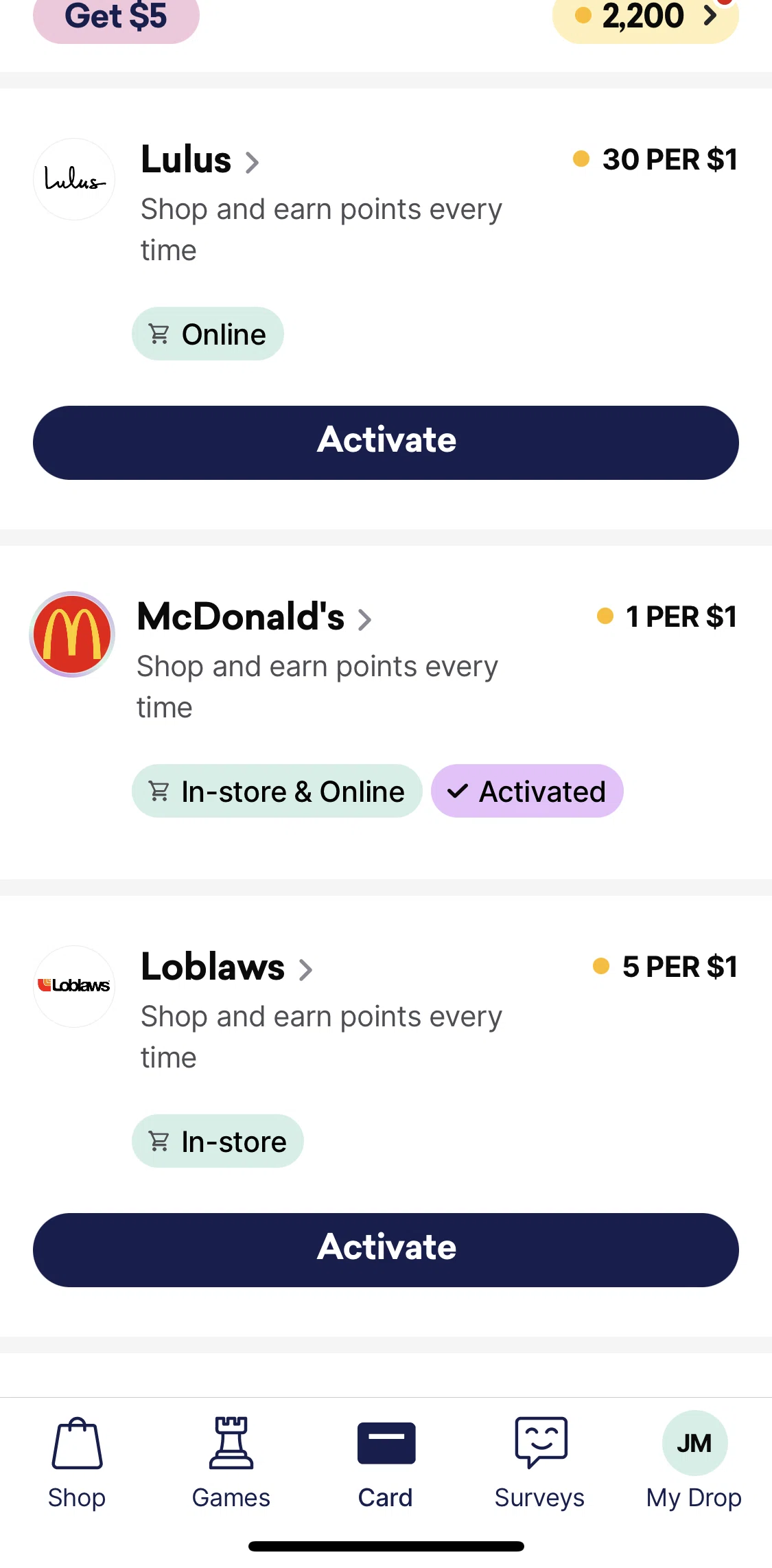
Activating an offer (Card Tab)
APP
Drop
iOS
View App details
→
Screens
Flows
Showing
2
screens
Activating an offer
Activating an offer (Card Tab)
Adding profile picture & changing username
Bitcoin detail
Card
Chatting with customer support
Choosing a reward goal
Completing a survey
Deleting account
Drop Premium
Explore rewards
Favorite deals
Filtering & sorting deals
Games
Invest in Bitcoin
Linking a card & choosing reward
Logging in
Logging out
Most points
My Drop
Notifications
Offer activity
Offer detail
Onboarding
Playing a game
Points
Points information
Privacy policy
Profile & account
Refer friends
Saving offer to collection
Search categories
Searching Drop
Sharing invite link
Sharing offer detail
Shop
Shop Indigo now
Stacked deals
Surveys
Terms & conditions
Updating linked card settings
Verifying phone number
FLOW
Activating an offer (Card Tab)
Archived Nov 1, 2022
1
Screen
Free
PRO
Member-only screen
Unlock with membership
2
Locked
Download original
×
Sign in to download
Screenshot downloads are available to Applode members.
Sign in