Research
In-App Flows
Sign in
In-App Flows
/
iOS
/
Karrot (Daangn)
/
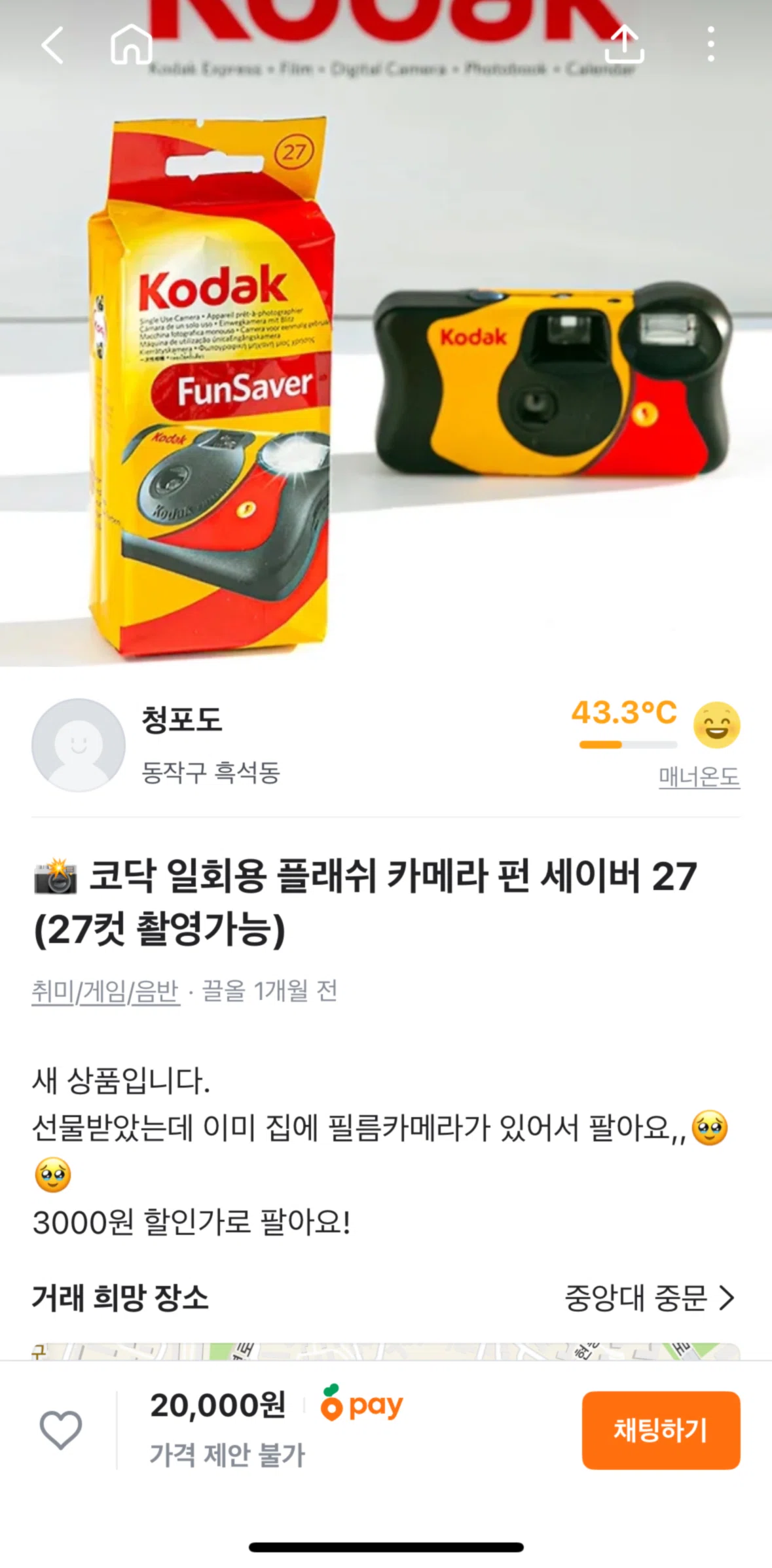
Adding an item to watchlist
APP
Karrot (Daangn)
iOS
View App details
→
Screens
Flows
Showing
2
screens
Activity badges
Adding a frequently used phrase
Adding an item to watchlist
Adding money to Karrot Pay
Announcement
Buying an item
Change country
Chat settings
Community
Community details
Confirming an address
Creating a post
Creating multiple listings
Evaluation
Filtering item category
Home
Liking a job
Location details
Location settings
Logging in
Logging out
Making an offer
Manage account
Meeting details
Meetings
Message options
Messages
My Karrot
My profile (neighborhood map)
Neighborhood map
Notification sound settings
Notifications
Notifications settings
Onboarding
Other settings
Part time jobs
Product detail
Product detail (Used cars)
Product details (Real estate)
Profile
Profile (Part time jobs)
Real estate
Sales history
Searching a location
Searching Karrot
Searching used cars
Self introduction
Services
Set neighborhood range
Set neighborhood range (Multiple listings)
Setting an appointment
Settings
Signing up for Karrot Pay
Sorting item price
Transferring money
Turning on search notification
Used cars
Video autoplay settings
View a category
View a job
View available items
View filters (Real estate)
View filters (Used cars)
View item type
View map
FLOW
Adding an item to watchlist
Archived Apr 7, 2025
1
Screen
Free
PRO
Member-only screen
Unlock with membership
2
Locked
Download original
×
Sign in to download
Screenshot downloads are available to Applode members.
Sign in