Research
In-App Flows
Sign in
In-App Flows
/
iOS
/
Family
/
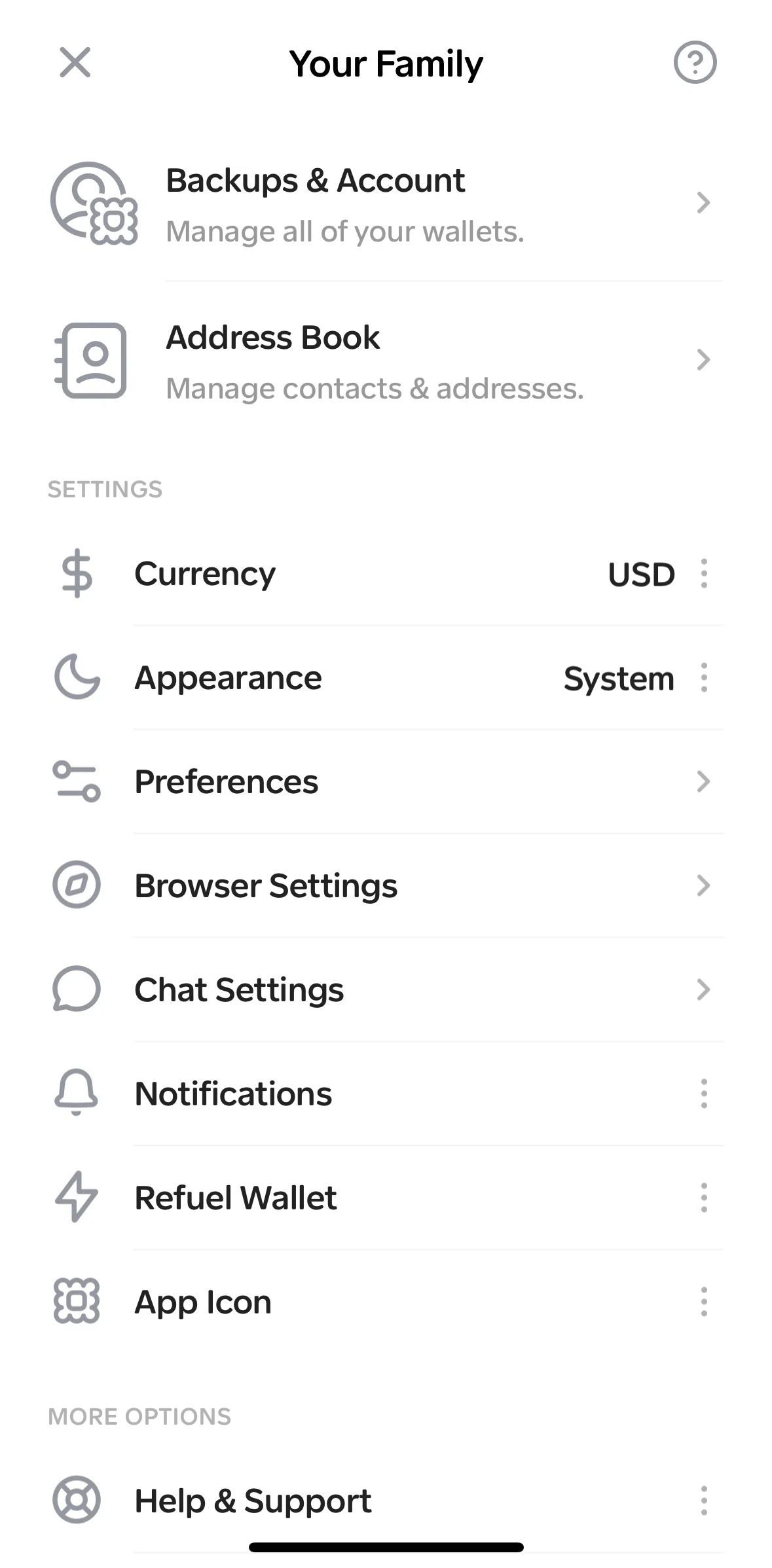
Backups & account
APP
Family
iOS
View App details
→
Screens
Flows
Showing
2
screens
Adding a wallet to watch
Adding an existing wallet
Address book
Advanced
Approvals
Backing up a wallet
Backups & account
Blocking a chat
Changing app icon
Changing currency
Changing quick reaction
Changing search engine
Changing to large display
Changing value display
Clearing cache
Closing all tabs
Collectible details
Copying address
Customizing preferences
Customizing QR code
Deleting a token
Editing wallet name
Enabling notifications
Export addresses
Home
In-app browser
Liking a token
Manage tokens
Muting a chat
Onboarding
Options
Purchase token
Receive tokens
Refuel wallet
Removing a wallet
Reporting a bug
Restoring a collectible
Revoke an approval
Scanning a QR code
Searching a site
Send a picture
Send a voice note
Sending a collectible
Sending messages
Sending tokens
Setting up a wallet
Settings
Share address
Sorting tokens
Swapping tokens
Switching to dark mode
Switching to stealth mode
Token detail
Trash
User profile
User profile options
View collectibles
View private key
View wallet group
Wallet history
Wallet options
Wallet settings
Wallets
FLOW
Backups & account
Archived Feb 24, 2025
1
Screen
Free
PRO
Member-only screen
Unlock with membership
2
Locked
Download original
×
Sign in to download
Screenshot downloads are available to Applode members.
Sign in