Research
In-App Flows
Sign in
In-App Flows
/
iOS
/
Roku
/
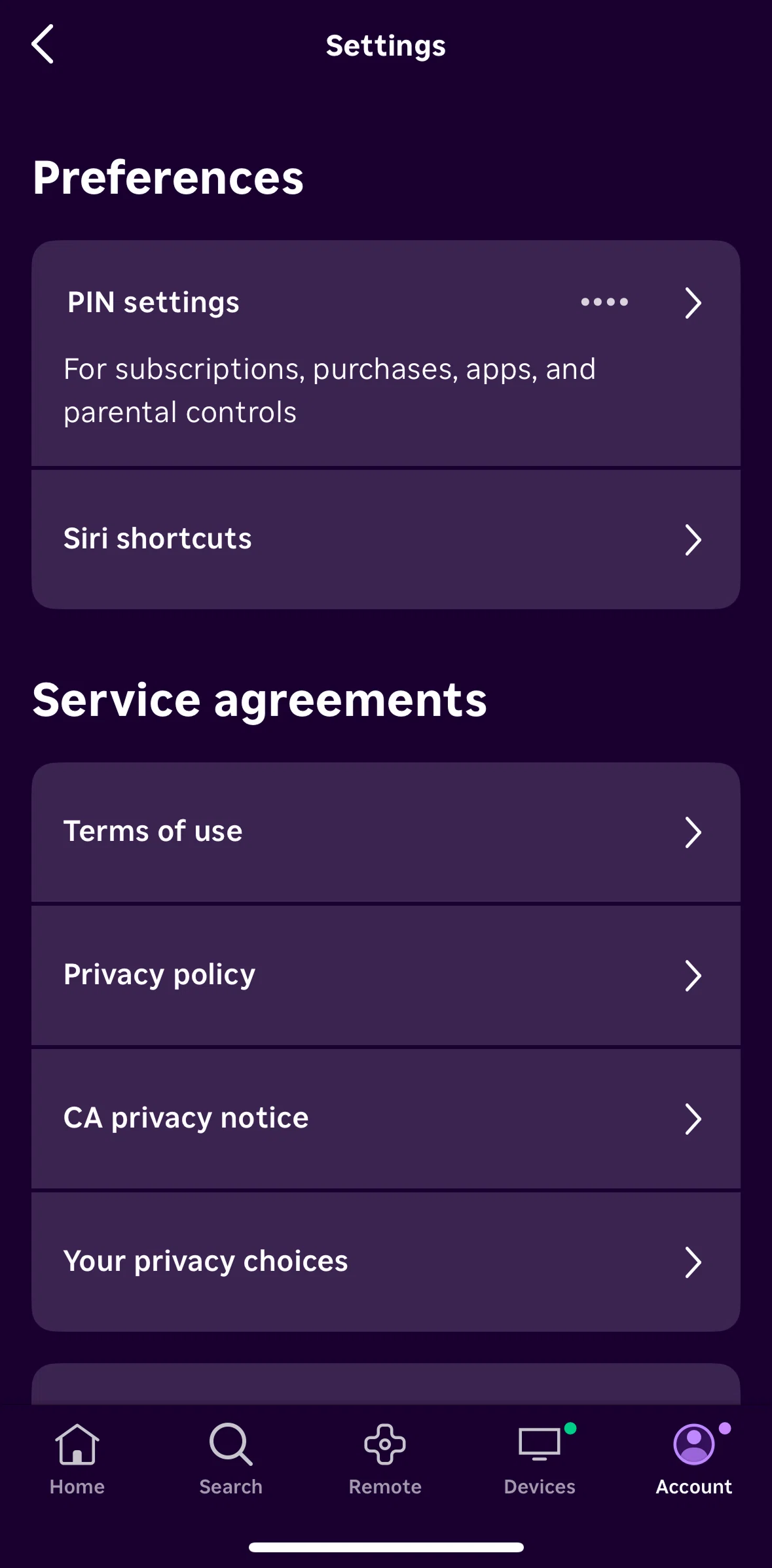
Change pin settings
APP
Roku
iOS
View App details
→
Screens
Flows
Showing
3
screens
Account
Account info
Actor detail
Adding a movie to save list
Adding a TV channel
Adjust audio delay
Adjust expert picture settings
Cast and crew
Category detail
Change pin settings
Change playback quality
Changing a device location
Channel store
Clearing recent searches
Connect device manually
Connect to watch
Connecting to a device
Creating a new stream
Customizing a welcome message
Devices
Giving feedback
Guide
Home
Launch a channel
Logging in
Logging out
MLB Zone
Notifications
Onboarding
Payment & subscriptions
Rating a show
Remote
Removing a show from continue watching
Removing a TV channel
Save list
Saving a show
Search
Searching Roku
Searching with voice
See all episodes
Selecting a favorite team
Selecting a season
Settings
Show detail
Turning on a guest mode
Turning on fast TV start
Uploading photos
Watching a live TV
Watching a trailer
FLOW
Change pin settings
Archived Oct 13, 2025
1
Screen
Free
PRO
Member-only screen
Unlock with membership
2
Locked
PRO
Member-only screen
Unlock with membership
3
Locked
Download original
×
Sign in to download
Screenshot downloads are available to Applode members.
Sign in