Research
In-App Flows
Sign in
In-App Flows
/
iOS
/
Messenger
/
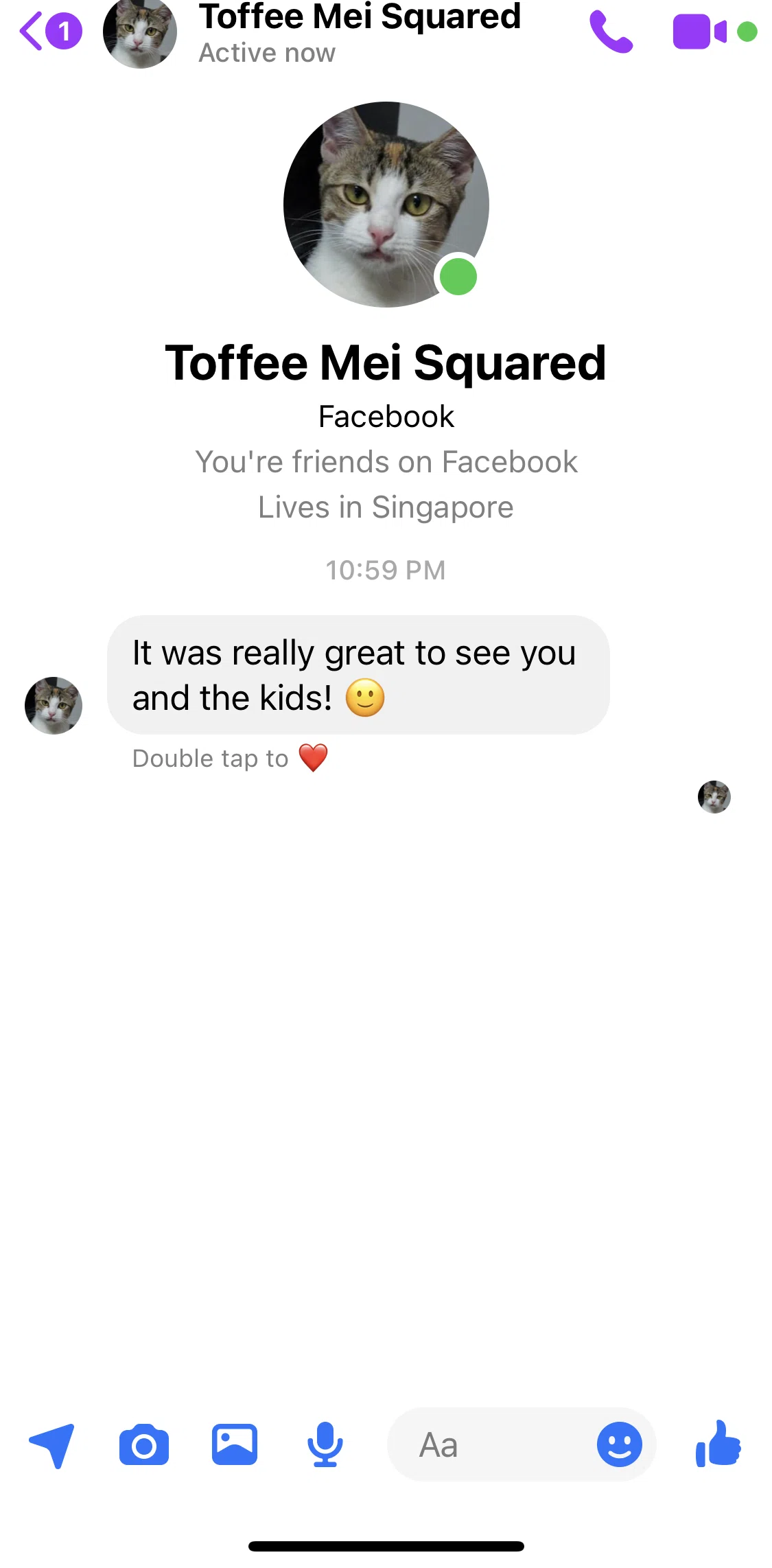
Chat detail
APP
Messenger
iOS
View App details
→
Screens
Flows
Showing
3
screens
Account settings
Adding a story
Adding an image to story
Adding group effects
Adding people to a call
Adding word effects
Archived chats
Archiving a conversation
Blocking a user
Bumping a message
Calling a friend
Calls
Chat
Chat detail
Creating a new group chat
Deleting a group conversation
Deleting a message
Editing an image
Go to secret conversation
Help center
Making an avatar
Marketplace
Marking a conversation as unread
Message requests
Messaging a friend
Muting a user
Navigation sidebar
Notifications and sounds
Onboarding
Orders
People
Previewing and selecting a theme
Privacy and safety
Privacy policy
Raising hand in a call
Reacting to a message
Reporting a user
Reporting technical problem
Restricting a user
Saving an image
Searching a conversation
Sending a photo
Sending a soundmoji
Sending a sticker
Sending a video
Sending an audio
Setting a nickname
Settings
Sharing live location
Starting a collaboration tool (create poll)
Starting a collaboration tool (timer)
Starting a group play
Starting a group watch
Starting a screen share
Sticker store
Switching account
Switching to dark mode
Terms of service
Unarchiving a chat
Updating accessibility setting
Updating call settings
Updating chat notifications and sounds
Updating quick reactions
Video-calling a friend
View a user profile
View call detail
View media files
View stories detail
FLOW
Chat detail
Archived Feb 7, 2023
1
Screen
Free
PRO
Member-only screen
Unlock with membership
2
Locked
PRO
Member-only screen
Unlock with membership
3
Locked
Download original
×
Sign in to download
Screenshot downloads are available to Applode members.
Sign in