Research
In-App Flows
Sign in
In-App Flows
/
iOS
/
IHG Hotels & Rewards
/
Contact hotel
APP
IHG Hotels & Rewards
iOS
View App details
→
Screens
Flows
Showing
3
screens
Account
Account activity
Account information
Adding a hotel to wishlists
Adding a payment method
Adding additional preferences
Adding reservation to Wallet
Adding room and bed preferences
Book a hotel (payment added)
Booking a hotel
Browse hotels
Canceling a reservation
Changing currency
Chatting with support bot
Closing an account
Contact hotel
Contact us
Continue as guest
Deleting a payment method
Disabling Wi-Fi auto connect
Editing a payment method
Email hotel
Enabling Face ID
Enabling Wi-Fi auto connect
Explore all tier benefits
Filtering rooms
Food and drink
Give feedback
Home
Hotel brand
Hotel detail
How my email is used
Location
Logging in
Logging out
Manage stay preferences
Member benefits
More
More information
My progress
Offer detail
Offers
Onboarding
Photo gallery
Points detail
Recentering map
Reservation detail
Resetting password
Reviews
Rewards wallet
Room detail
Searching for hotels
Select a hotel (map view)
Selecting new dates
Selecting new dates (booking a hotel)
Settings
Share a hotel
Sorting and filtering hotels
Sorting reviews
Stay detail
Stay preferences
Stays
Switching to map view
Switching to map view (stays)
Terms and conditions
Translate address for driver
Update guest details
View 360 map
View price in points
Widget settings
Wishlists
FLOW
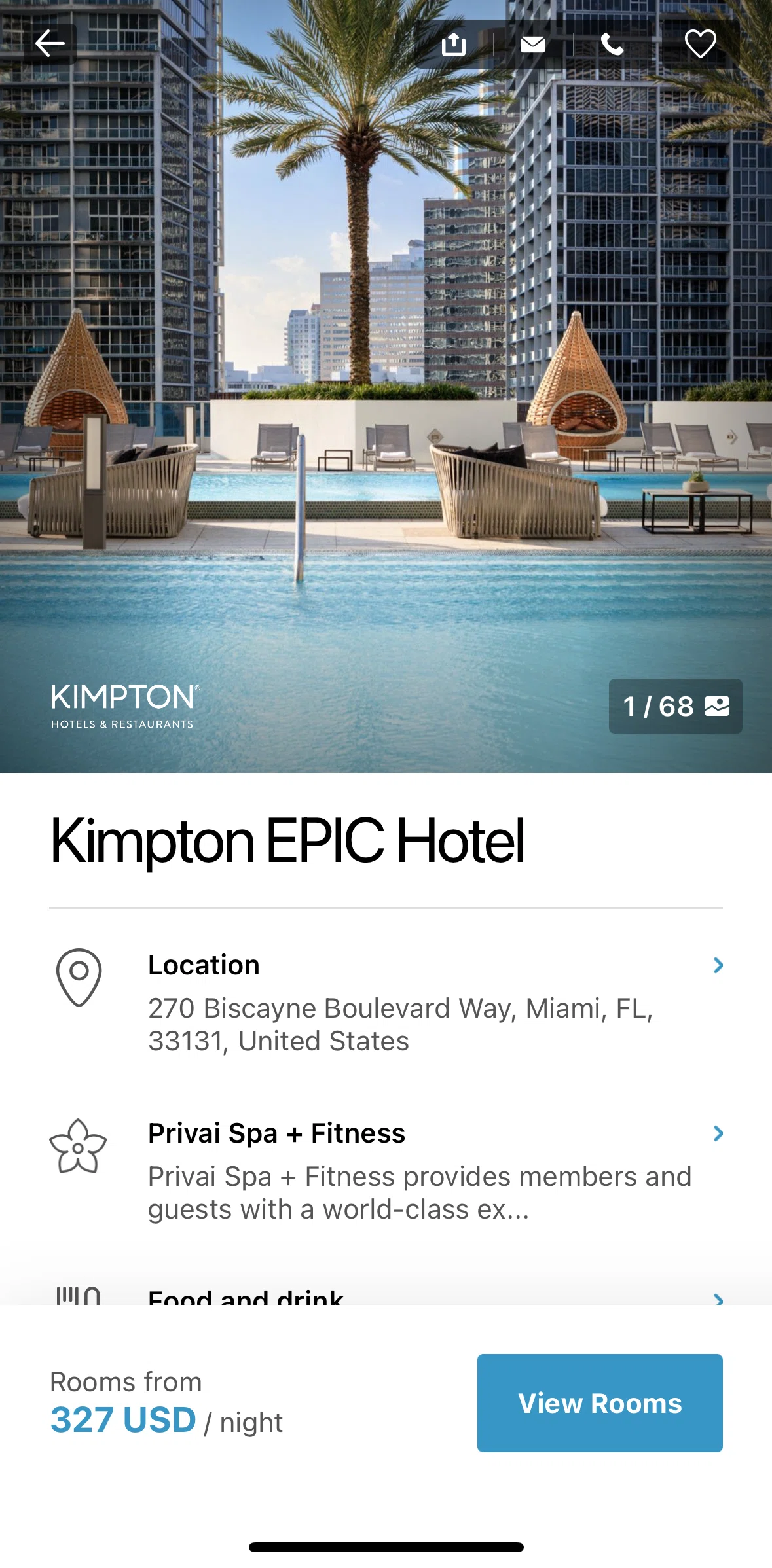
Contact hotel
Archived Dec 30, 2024
1
Screen
Free
PRO
Member-only screen
Unlock with membership
2
Locked
PRO
Member-only screen
Unlock with membership
3
Locked
Download original
×
Sign in to download
Screenshot downloads are available to Applode members.
Sign in