Research
In-App Flows
Sign in
In-App Flows
/
iOS
/
OpenPhone
/
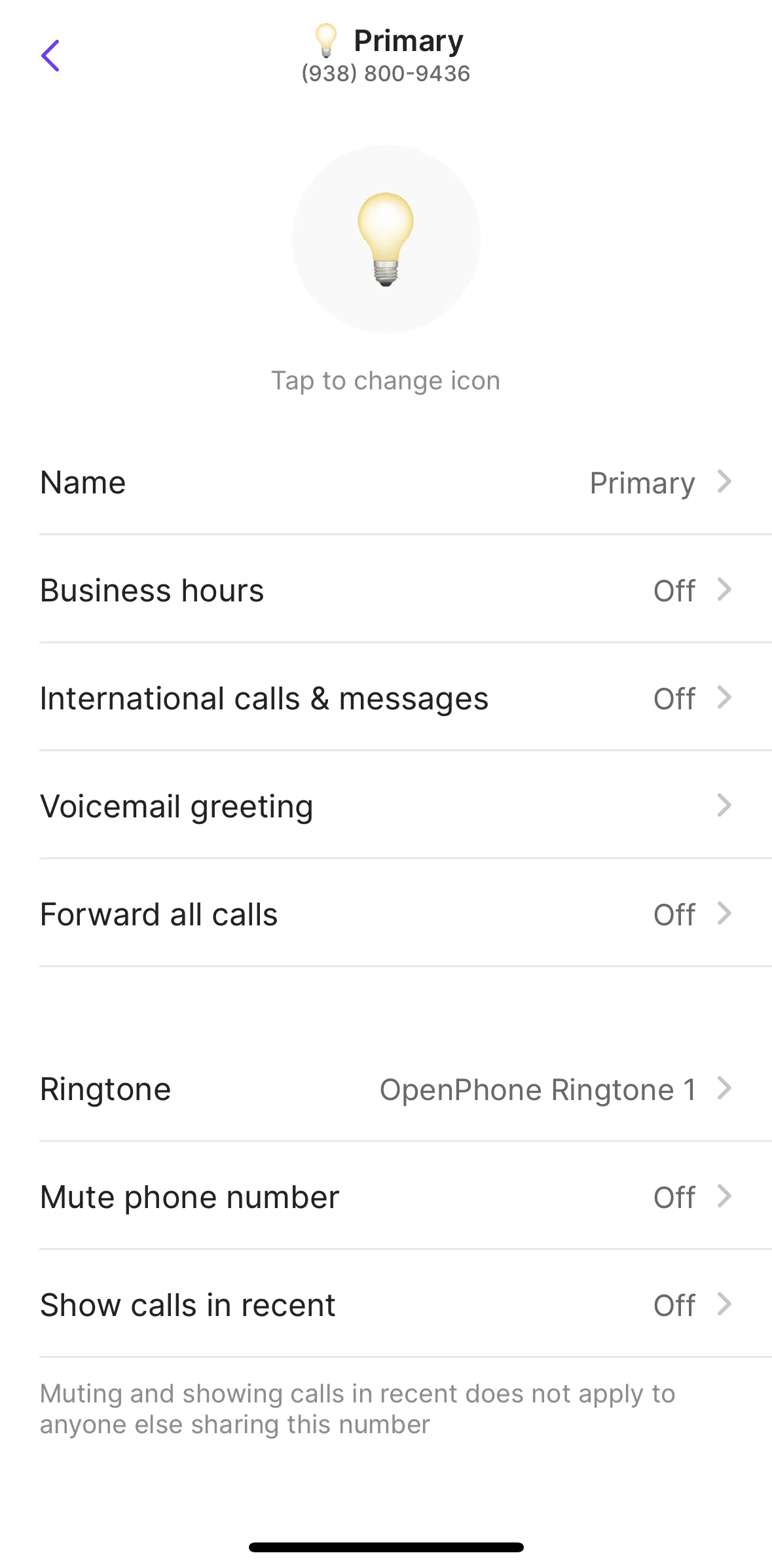
Enabling international calls and messages
APP
OpenPhone
iOS
View App details
→
Screens
Flows
Showing
3
screens
Activity
Adding a workspace logo
Adding contact notes
Blocking a contact
Blocklist
Calling a user
Changing contact order
Commenting in internal thread
Contacts
Creating a new contact
Creating a snippet
Deleting a notification
Deleting account
Editing profile
Editing reaction shortcuts
Enabling business hours
Enabling international calls and messages
Filtering conversations
Help center
Home
Keypad
Logging in
Logging out
Marking a notification as unread
Marking a thread as resolved
Moving a conversation
Navigation sidebar
Notifications
Onboarding
Phone numbers
Pinning a conversation
Plan and billing
Playing a call recording
Recording a voicemail greeting
Registering a local number
Registering a number
Scheduling a message
Searching a contact
Selecting another number
Settings
Starting a new message
Subscribing to OpenPhone
Switching to dark mode
Syncing device contacts
Terms and privacy
Trust center
Turning on do not disturb
FLOW
Enabling international calls and messages
Archived Aug 6, 2024
1
Screen
Free
PRO
Member-only screen
Unlock with membership
2
Locked
PRO
Member-only screen
Unlock with membership
3
Locked
Download original
×
Sign in to download
Screenshot downloads are available to Applode members.
Sign in