Research
In-App Flows
Sign in
In-App Flows
/
iOS
/
Fi
/
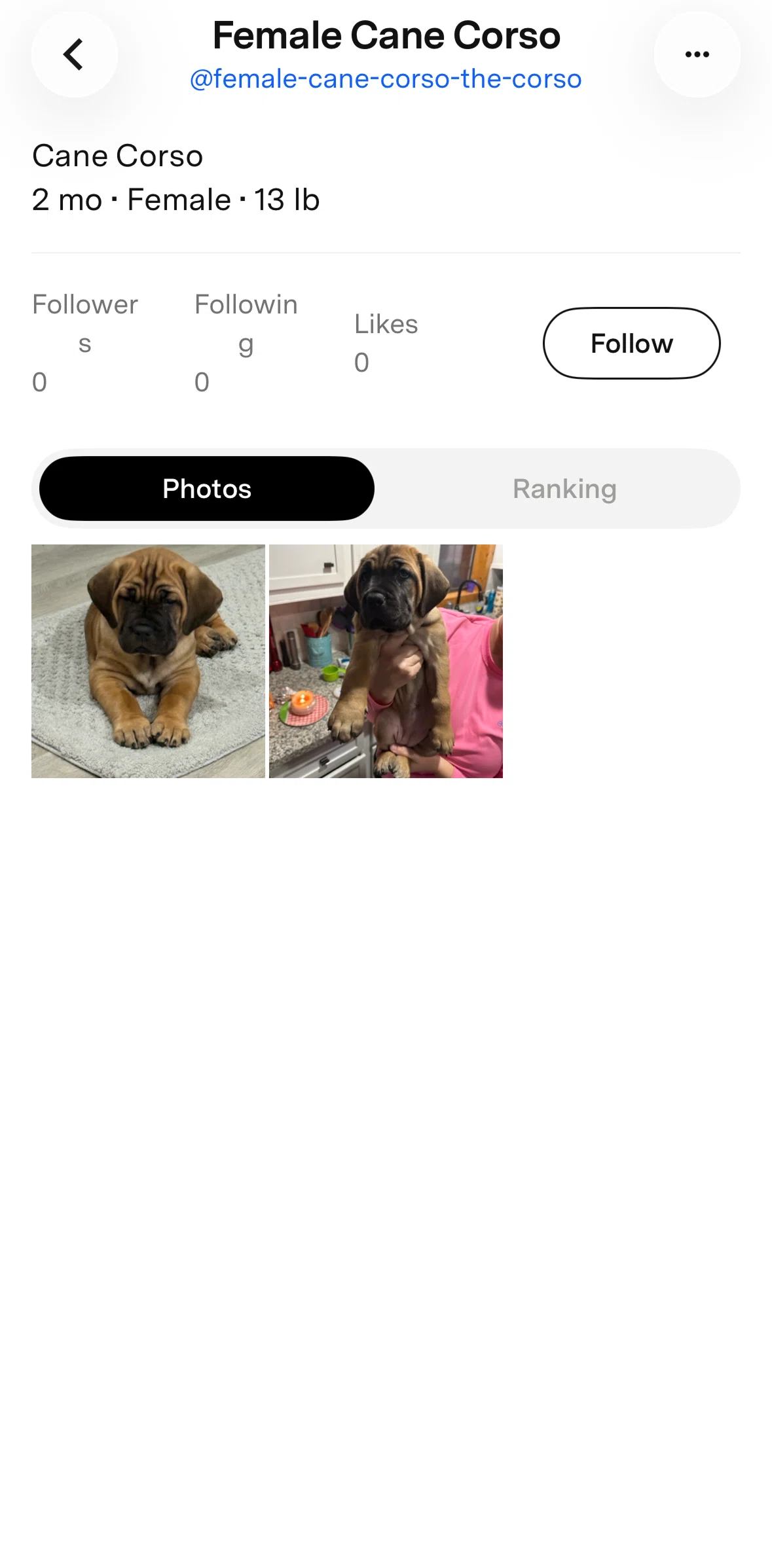
Following a profile
APP
Fi
iOS
View App details
→
Screens
Flows
Showing
2
screens
Account
Activity
Add base
Adding a document
Adding a people
Adding a vet
Adding home location
Adding people
Barking
Base detail
Blocking user
Changing collar light color
Changing device alerts
Changing pet gender
Changing pet name
Changing pet photo
Chatting with support
Collar info
Community
Deleting a vet
Edit account name
Editing a document
Editing base name
Editing safe zone
Ending live tracking
Ending sharing for all
Filtering dogs
Filtering health
Following a profile
Getting started
Health
Health (Dog)
Home (Dog)
Inbox
Last walk
Leaving a comment
Liking a post
Live
Logging in
Logging out
Map detail
Menu
My location
Onboarding
Open maps
Pack settings
Pet profile
Posting a photo
Posting text
Profile
Rank
Rating support chat
Removing a document
Removing a pet profile
Removing a post
Rest
Searching a profile
Setting up a device
Setting up a profile
Sharing a location
Shop Fi products
Starting live tracking
Steps
Switching map view
Track shipment
Transferring collar to another pet
Turning on collar light
Unlink collar
Unlinking a base
Wifi network
FLOW
Following a profile
Archived May 4, 2026
1
Screen
Free
PRO
Member-only screen
Unlock with membership
2
Locked
Download original
×
Sign in to download
Screenshot downloads are available to Applode members.
Sign in