Research
In-App Flows
Sign in
In-App Flows
/
iOS
/
Apple Music
/
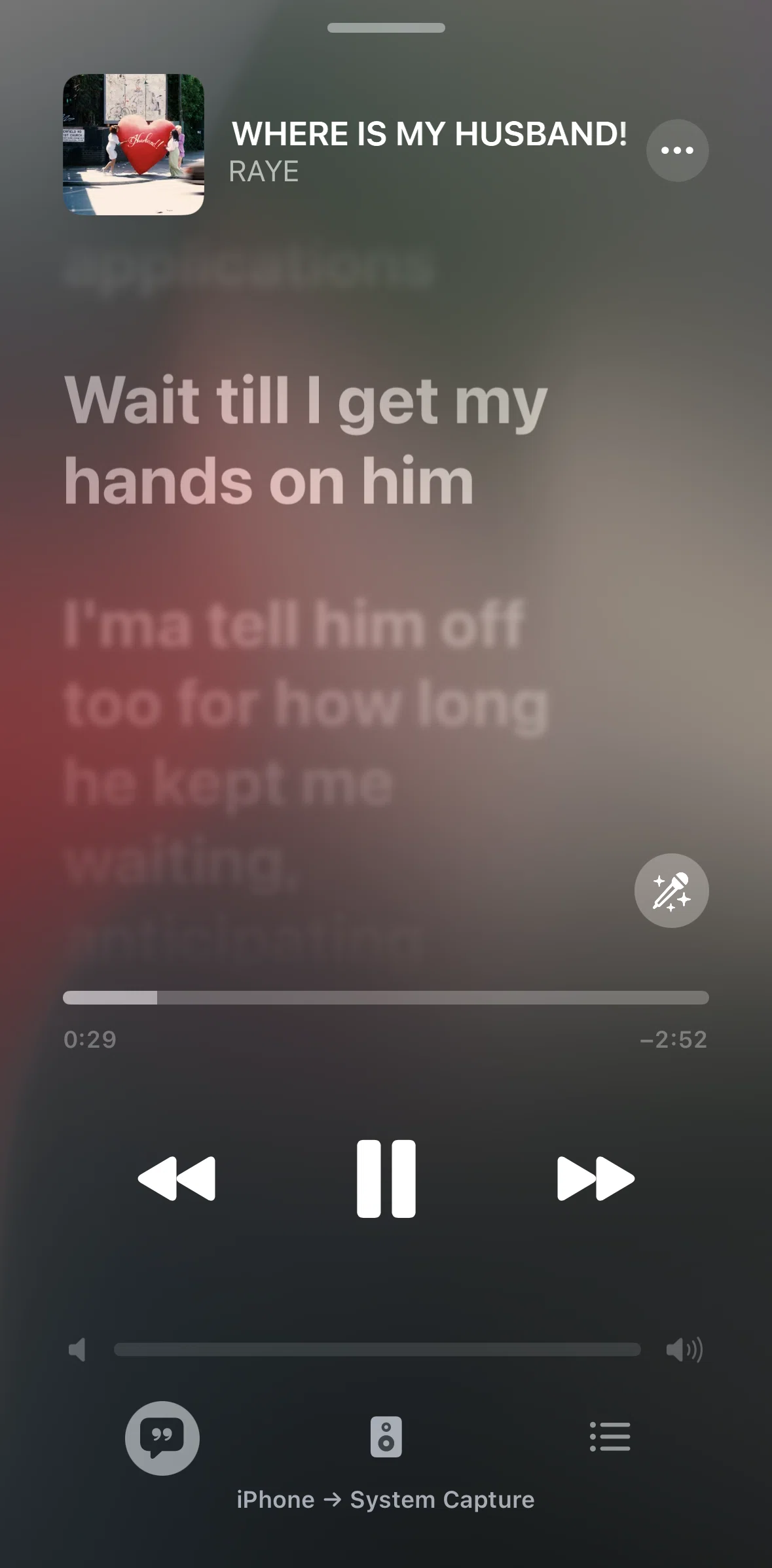
Hiding lyrics
APP
Apple Music
iOS
View App details
→
Screens
Flows
Showing
2
screens
Account
Account settings
Add to queue (quick action)
Adding songs to a playlist
Adding to a playlist
Adding to library
Adjusting vocal volume
Album detail
Albums
Approving a follow requests
Artist profile
Artists
Blocking a user
Browse by genre
Changing notification settings
Charts
Creating a new folder
Creating A Playlist
Creating a station
Deleting a profile
Deleting from library
Discovering Content
Downloaded
Downloading a playlist
Edit profile
Editing sections
Favoriting a song
Featured album
Filtering charts
Filtering playlists
General Browsing
Hiding lyrics
Home
Inviting a collaborator
Latest songs
Library
Liking a song
Listening
Manage subscription
Milestones
New
Onboarding
Playing a collaboration playlist
Playing a highlight reel
Playing a live radio
Playing a radio episode
Playing a song
Playlist collaborators
Playlist detail
Playlist QR code
Playlists
Queue
Queue (collaboration playlist)
Radio
Radio detail
Replay
Reporting a concern
Search
Searching
Searching a song (playlist)
Searching Apple Music
Select sound output
Selecting a category
Setting up profile
Share a song
Share lyrics
Song credits
Songs
Stopping collaboration
Switching to private profile
Switching view
Switching year
Top artists
Transfer music & playlists
Upgrade to family plan
User profile
Watching a video
Widgets
FLOW
Hiding lyrics
Archived Nov 10, 2025
1
Screen
Free
PRO
Member-only screen
Unlock with membership
2
Locked
Download original
×
Sign in to download
Screenshot downloads are available to Applode members.
Sign in