Research
In-App Flows
Sign in
In-App Flows
/
iOS
/
Procreate Pocket
/
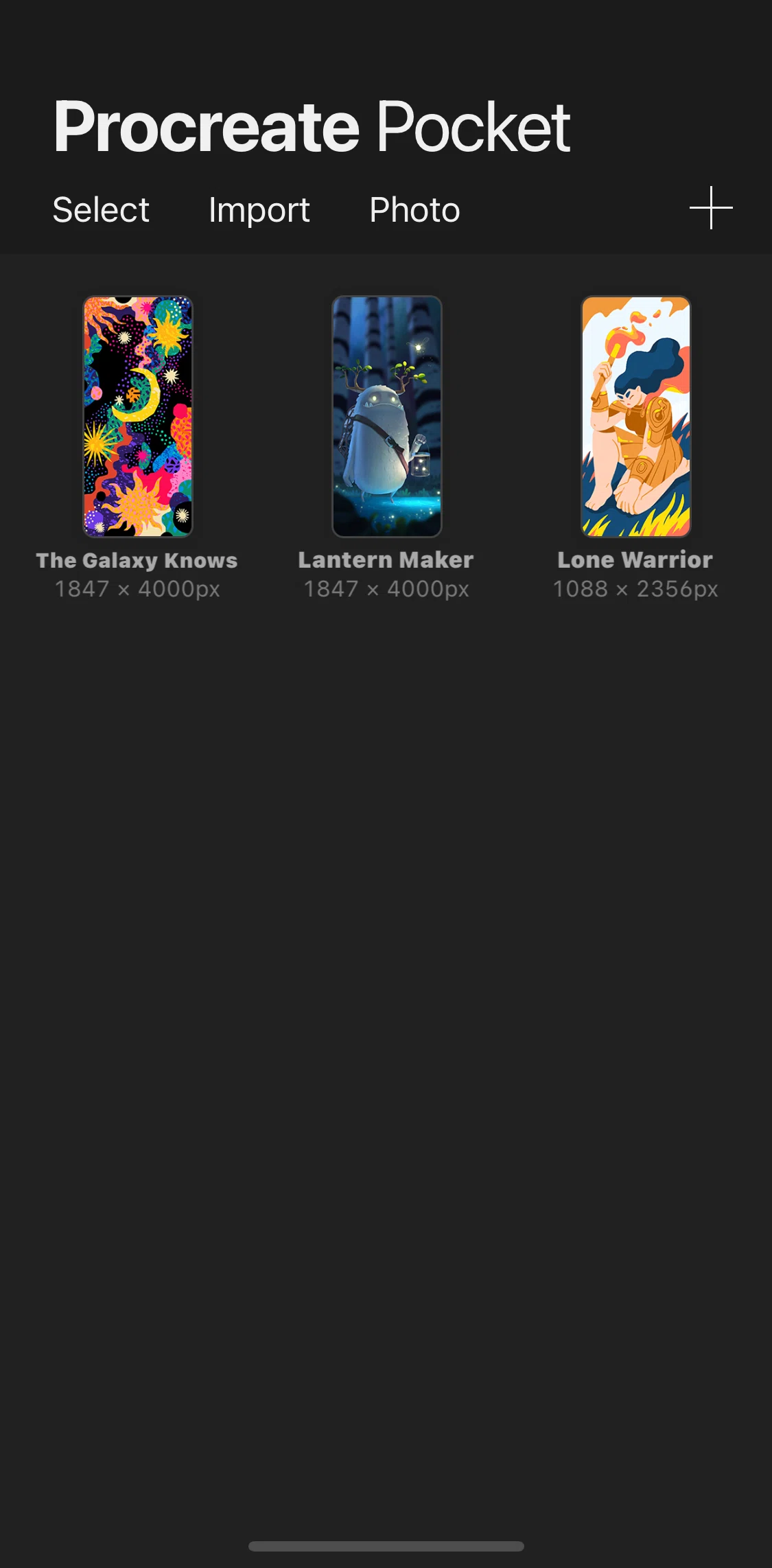
Home
APP
Procreate Pocket
iOS
View App details
→
Screens
Flows
Showing
1
screens
Action menu
Adding text
Adjusting and transforming canvas
Adjusting brush size
Canvas
Creating a new brush set
Cropping and resizing
Customizing new canvas
Deleting a brush set
Deleting canvas
Editing animations
Editing layers
Exporting video
Home
Importing canvas
Inserting a photo
Modify
Onboarding
Previewing
Recovering gallery
Renaming artwork
Selecting brushes
Selecting colors
Selecting guides
Settings
Sharing image
Viewing canvas information
FLOW
Home
Archived Feb 9, 2022
1
Screen
Free
Download original
×
Sign in to download
Screenshot downloads are available to Applode members.
Sign in