Research
In-App Flows
Sign in
In-App Flows
/
iOS
/
Raycast
/
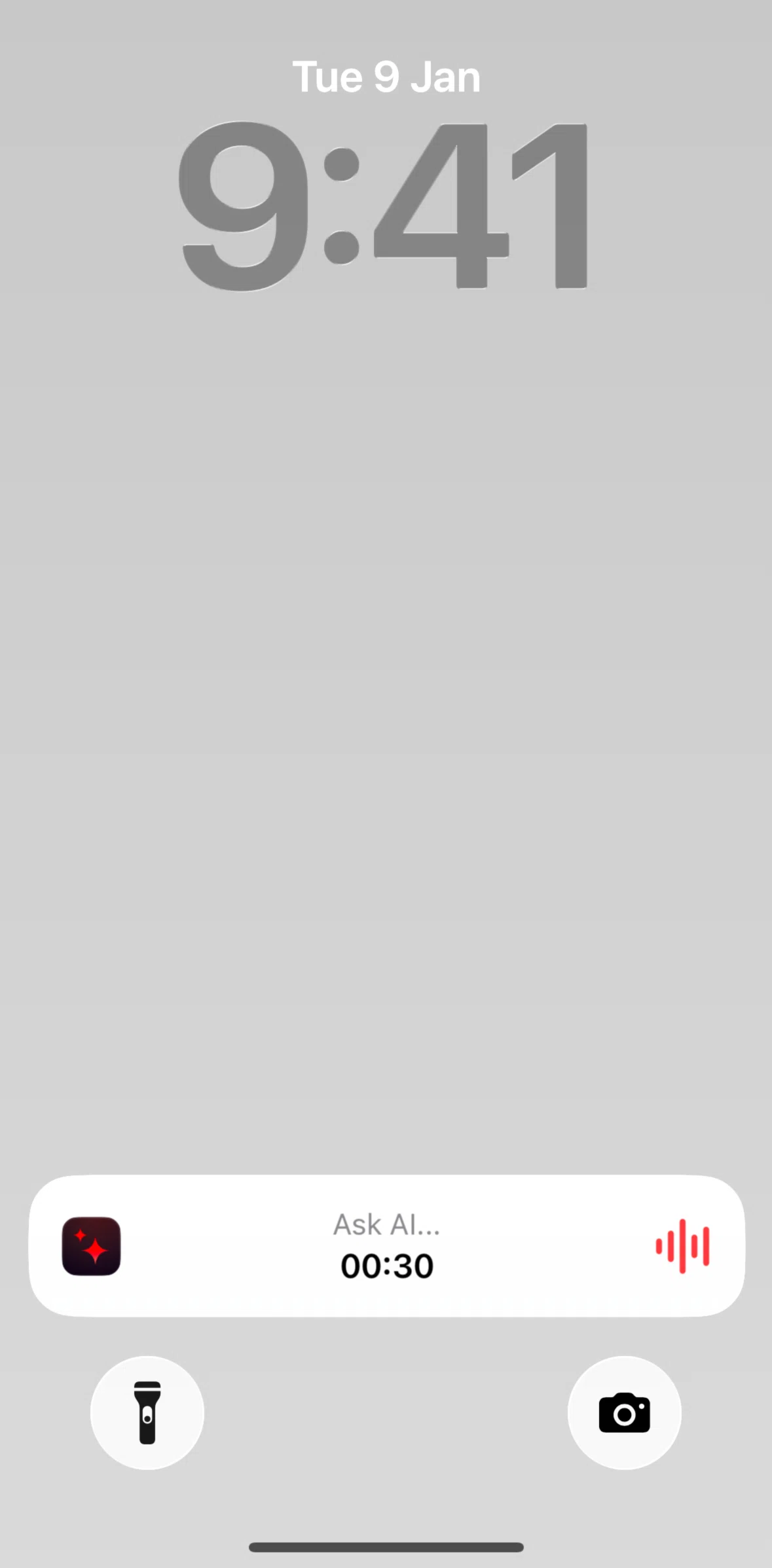
Live Activities
APP
Raycast
iOS
View App details
→
Screens
Flows
Showing
1
screens
About
Account
Adding a chat
Adding a note to favorites
Adding commands to favorites
AI
Applying an AI result
Asking AI
Asking AI (voice input)
Asking Raycast AI
Asking Raycast AI (voice input)
Changelog
Changing a model
Changing a preset
Changing default model
Changing model settings
Copying an answer
Creating a note
Creating a note (Raycast AI result)
Deleting a note
Deleting a note permanently
Deleting recent search
Dynamic Island
Editing a note (add link)
Editing a note (block quote)
Editing a note (bullet point)
Editing a note (heading)
Editing a note (inline style)
Editing a note (text formatting)
Export a note
Finding a word in note
Giving feedback
Home
Live Activities
Logging in
Logging out
Notes
Onboarding
Pinning a chat
Recently deleted notes
Regenerating an answer
Removing a command from favorites
Removing full note
Reordering favorites
Replacing a word
Searching a chat
Searching commands
Searching Raycast
Settings
Shortcuts
Sources
Subscription detail
Support
Switching to dark mode
Switching to previous result
Switching to word count
Turning off auto models
Widgets
FLOW
Live Activities
Archived Nov 10, 2025
1
Screen
Free
Download original
×
Sign in to download
Screenshot downloads are available to Applode members.
Sign in