Research
In-App Flows
Sign in
In-App Flows
/
iOS
/
Otter AI
/
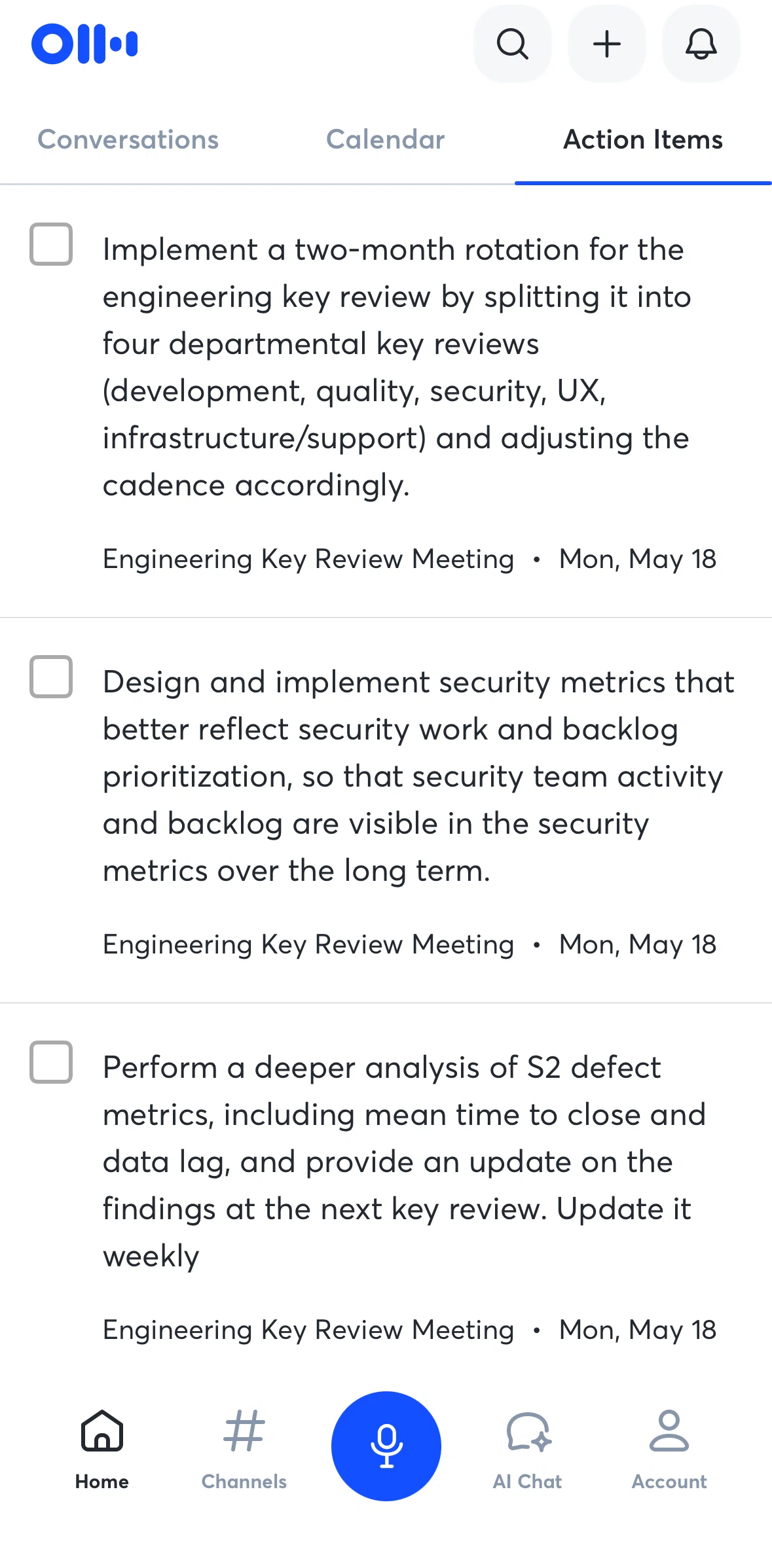
Mark an action item as complete
APP
Otter AI
iOS
View App details
→
Screens
Flows
Showing
2
screens
Account
Action items
Adding a comment
Adding a highlight
Adding a member
Adding a member (channels)
Adding a new folder
Adding conversations to a channel
Adding Otter AI to live meeting
AI Chat
Asking Otter AI
Asking Otter AI (prompt)
Assign a task
Calendar
Changing meeting settings
Changing notification settings
Changing permissions
Changing response setting
Changing share settings
Channels
Chatting in channel
Connecting Google Calendar
Conversation detail
Conversations
Copying a link
Copying a link (refer & earn)
Creating a new channel
Deleting a channel
Deleting a conversation
Deleting an account
Deleting conversations (trash)
Editing action items summary
Exporting an audio
Filtering search
Filtering search (date)
Giving feedback
Hiding timestamps
Home
Importing a file
Importing a file (AI Chat)
Join workspaces
Logging in
Logging out
Mark an action item as complete
Marking task as done
Moving a conversation to a folder
Notifications
Onboarding
Recording a conversation
Refer & earn
Referring a friend
Removing a member
Renaming a channel
Restoring a note
Searching a word in conversations
Searching Otter AI
Settings
Sorting trash
Subscribing to Otter AI pro
Summary
Switching to dark mode
Taking a photo
Trash
Turning on live transcript
Uploading an image
Uploading profile picture
View in transcript
FLOW
Mark an action item as complete
Archived Jun 22, 2026
1
Screen
Free
PRO
Member-only screen
Unlock with membership
2
Locked
Download original
×
Sign in to download
Screenshot downloads are available to Applode members.
Sign in