Research
In-App Flows
Sign in
In-App Flows
/
iOS
/
Grok Bot
/
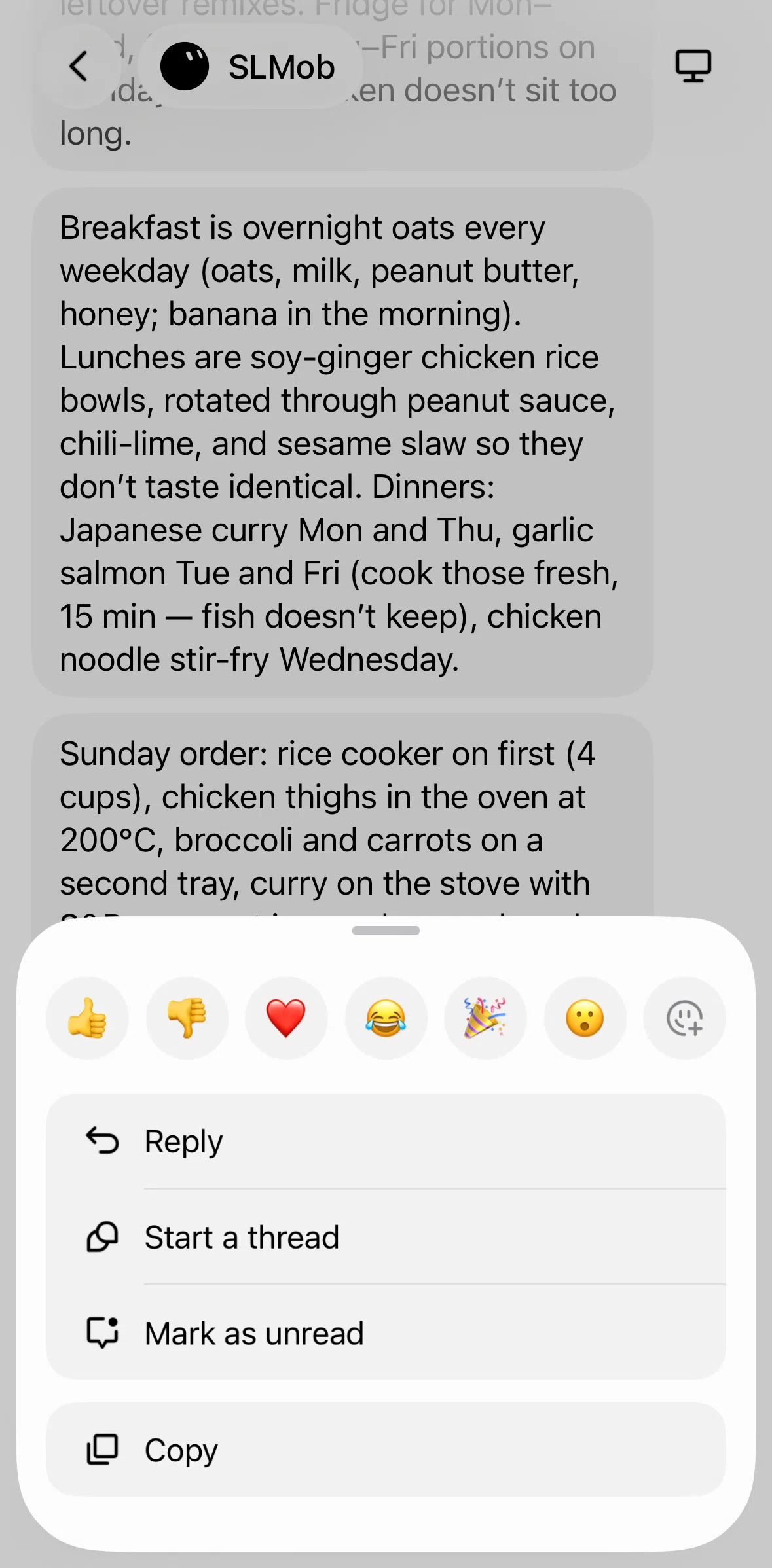
Marking a message as unread
APP
Grok Bot
iOS
View App details
→
Screens
Flows
Showing
2
screens
Account
Adding a bot
Adding an instruction
Answering a question
Bot profile
Chat detail
Chatting with Grok Bot
Chatting with Grok Bot (dictation)
Chatting with Grok Bot (image)
Chatting with Grok Bot (mentioning a bot)
Completing account set up
Connecting to Google Calendar
Creating a group chat
Creating a routine
Creating a thread
Deleting a bot
Downloading an image
Editing bot profile
File detail
Filtering results
Group chat profile
Home
Logging in
Logging out
Marking a message as unread
Onboarding
Plugins
Reacting to a message
Replying to a message
Searching Grok Bot
Settings
Showing keyboard
Subscribing to Ultra
Switching to computer view
Switching to dark mode
Turning off notifications
Turning on trackpad mode
Uploading a profile picture
FLOW
Marking a message as unread
Archived Aug 17, 2026
1
Screen
Free
PRO
Member-only screen
Unlock with membership
2
Locked
Download original
×
Sign in to download
Screenshot downloads are available to Applode members.
Sign in