Research
In-App Flows
Sign in
In-App Flows
/
iOS
/
Hyundai Card
/
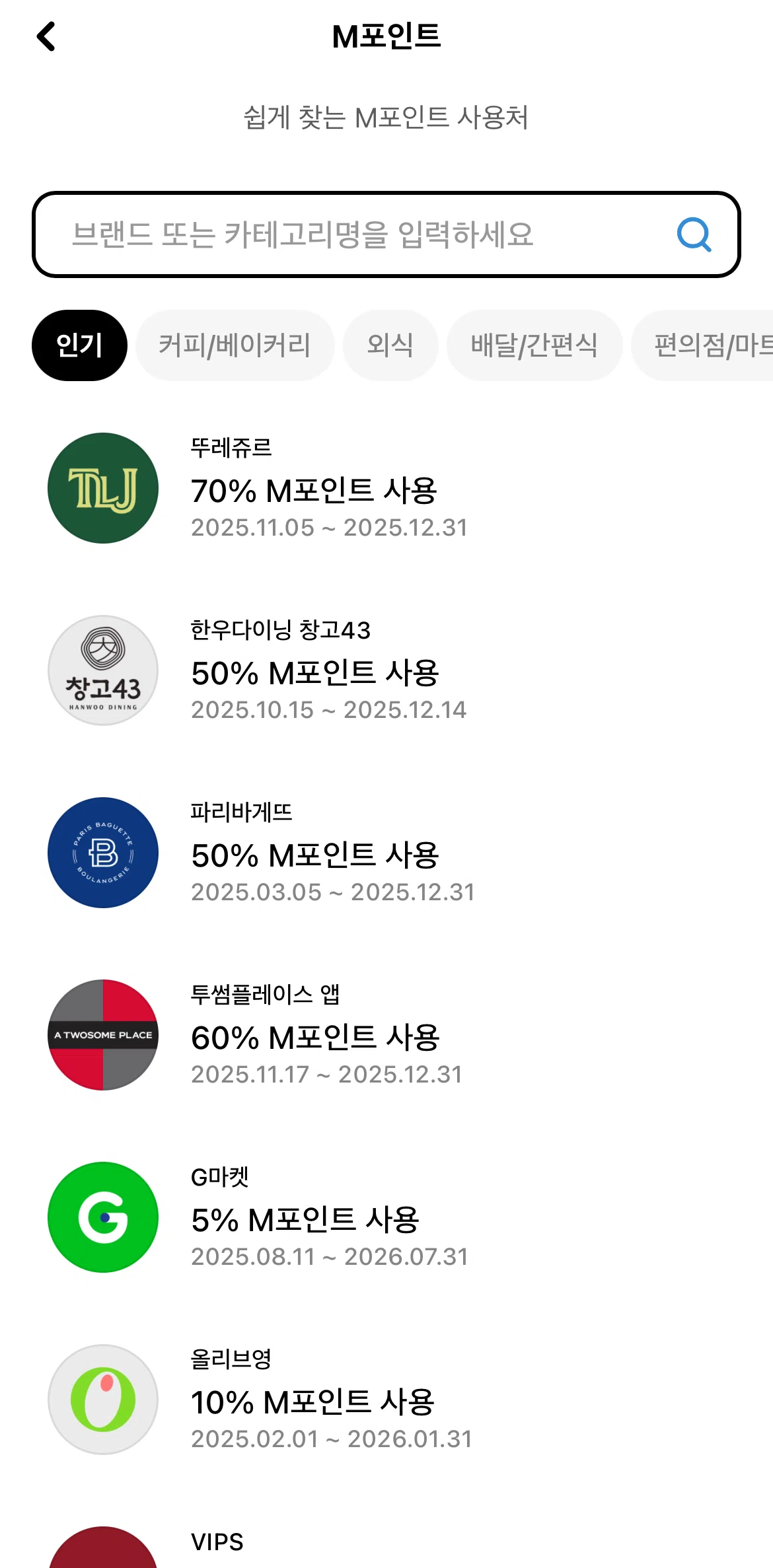
Points redemption detail
APP
Hyundai Card
iOS
View App details
→
Screens
Flows
Showing
2
screens
Account information
Activating a card
Activity
Adding a category
Adding an action
Adding an address
Adding to Apple Wallet
AI spending patterns
Article detail
Asset detail
Asset settings
Assets
Badge detail
Badges
Boutique detail
Card
Card detail (M Check)
Card detail (M Points)
Card list
Card usage
Card usage detail
Categorizing transactions
Changing month
Changing month (easy payments)
Check credit history
Connecting a bank
Creating a virtual card number
Credit card
Credit card detail
Credit card information
Credit level
Credit score
Credit score tips
Debit card
Debit card detail
Deleting a notification
Deleting notification sound
Downloading a report
Downloading a statement
Edit asset
Editing a category
Editing notification preferences
Emergency discount
Enabling automatic use of M points
Estimated income
Event detail
Events
Explore hotel week
Filtering credit cards
Filtering notifications
Filtering transactions
Filtering transactions (M Check)
Finance
Fixed payments
Hiding categories
Home
How to use Apple Pay
How to use M Points
Inquiry history
Last month spendings
Linking an account
Lock & Limit
Logging in
Logging out
M Points benefits
M Points exchange
M Points product detail
M Points redemption
Manage information
Managing automatic classification list
Menu
Menu (unlinked)
Monthly card payments
Monthly report
Monthly spending
Monthly transactions
More benefits
Notification detail
Notification detail (transaction)
Notifications
Onboarding
Open banking account
Ordering a card
Performance achievement status
Personalized benefits
Points detail
Points redemption detail
Product photos
Profile (boutique)
Rating insights
Recent transactions
Recording a notification sound
Reordering actions
Reordering categories
Saved benefits
Saving a benefit
Searching M Points
Searching notifications
Security plus
Select a credit card
Selecting a category
Selecting a vehicle
Send feedback
Setting up an easy payment
Settings
Sorting transactions
Spending calculator
Story detail
Supported cards
Switching to map view
Tip detail
Tips
Total assets
Transaction detail
Turning on location
Turning on personalized benefits
Turning on weather
Unlocking a card
Vehicle purchase program
Verifying identity
Widgets
FLOW
Points redemption detail
Archived Feb 2, 2026
1
Screen
Free
PRO
Member-only screen
Unlock with membership
2
Locked
Download original
×
Sign in to download
Screenshot downloads are available to Applode members.
Sign in