Research
In-App Flows
Sign in
In-App Flows
/
iOS
/
Airwallex
/
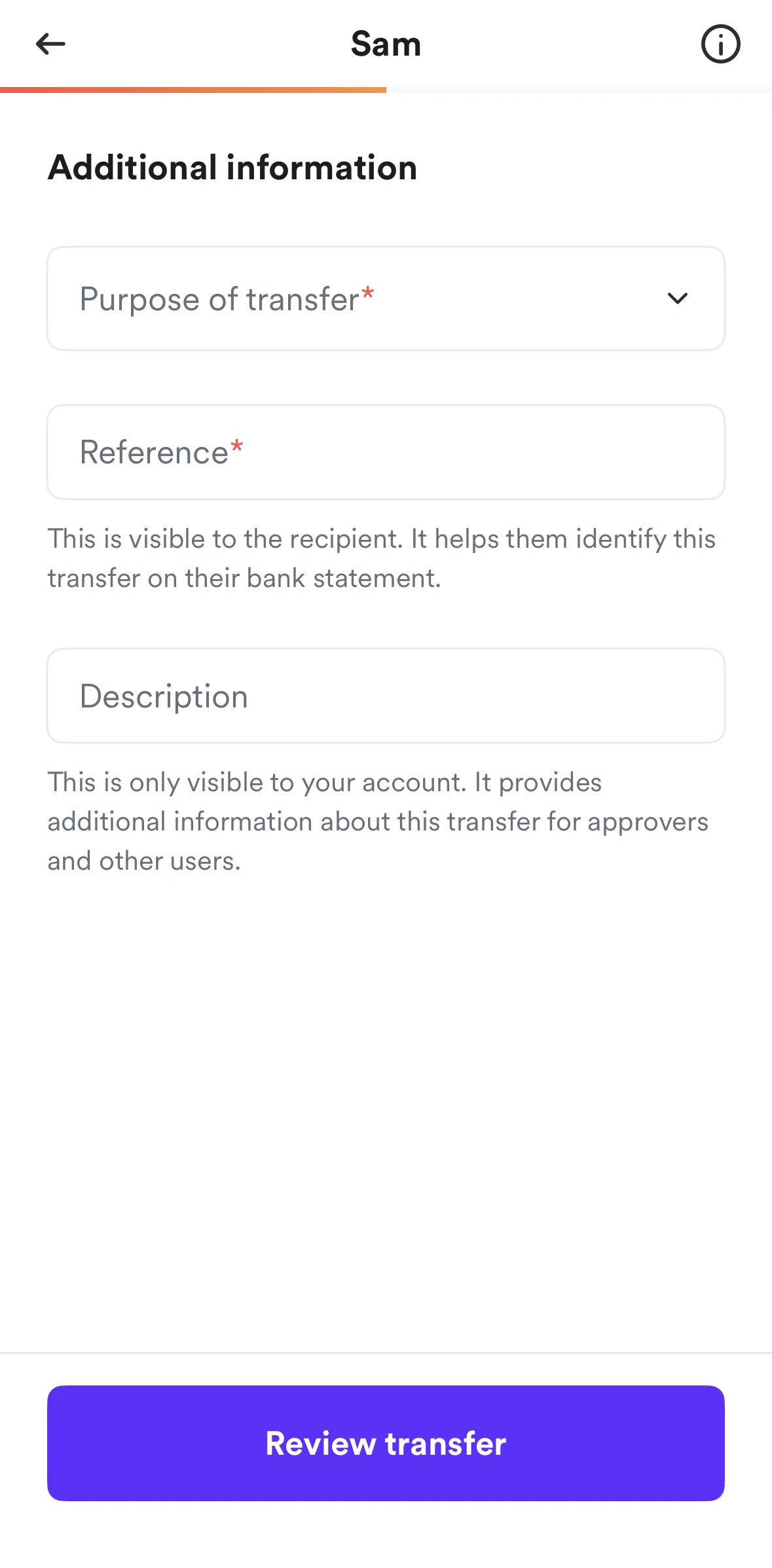
Selecting a purpose of transfer
APP
Airwallex
iOS
View App details
→
Screens
Flows
Showing
3
screens
Activity detail
Add funds
Adding a comment
Approving a card request
Approving a reimbursement
Canceling a card
Card detail (company)
Card detail (employee)
Card information
Card request detail
Cards
Cash balance detail
Changing a display currency
Complete an ID verification
Converting funds
Copying an account number
Creating a new reimbursement report
Creating line items
Deleting a receipt
Editing a reimbursement item
Editing a report name
Editing card controls
Filtering activities
Filtering cards
Freezing a card
Global account detail
Hiding a PIN code
Home
Home (employee)
Linking a card to Apple Wallet
Logging in (business owner)
Logging in (employee)
Logging out
My tasks
Onboarding
Recipient information
Reimbursement item detail
Reimbursement report detail
Reimbursements
Rejecting a card request
Rejecting a spend request
Replacing a card
Requesting a card
Scheduling a transfer
Searching cards
Select a bank account
Selecting a currency
Selecting a purpose of transfer
Setting up a business profile
Settings
Showing all currencies
Spend
Transfer to a new recipient
Transferring money
Turning off notifications
Turning on login with face ID
Uploading a receipt
View PIN
FLOW
Selecting a purpose of transfer
Archived Feb 9, 2026
1
Screen
Free
PRO
Member-only screen
Unlock with membership
2
Locked
PRO
Member-only screen
Unlock with membership
3
Locked
Download original
×
Sign in to download
Screenshot downloads are available to Applode members.
Sign in