Research
In-App Flows
Sign in
In-App Flows
/
iOS
/
Orbit
/
Set up sharing
APP
Orbit
iOS
View App details
→
Screens
Flows
Showing
2
screens
Adding a list
Adding a logo
Adding a payment method
Adding a price change
Adding a subscription
Adding a subscription (custom)
Calendar
Categories
Changing currency
Copying a search term
Deleting a category
Deleting a payment method
Deleting a subscription
Deleting all subscriptions
Editing a subscription
Filtering subscriptions
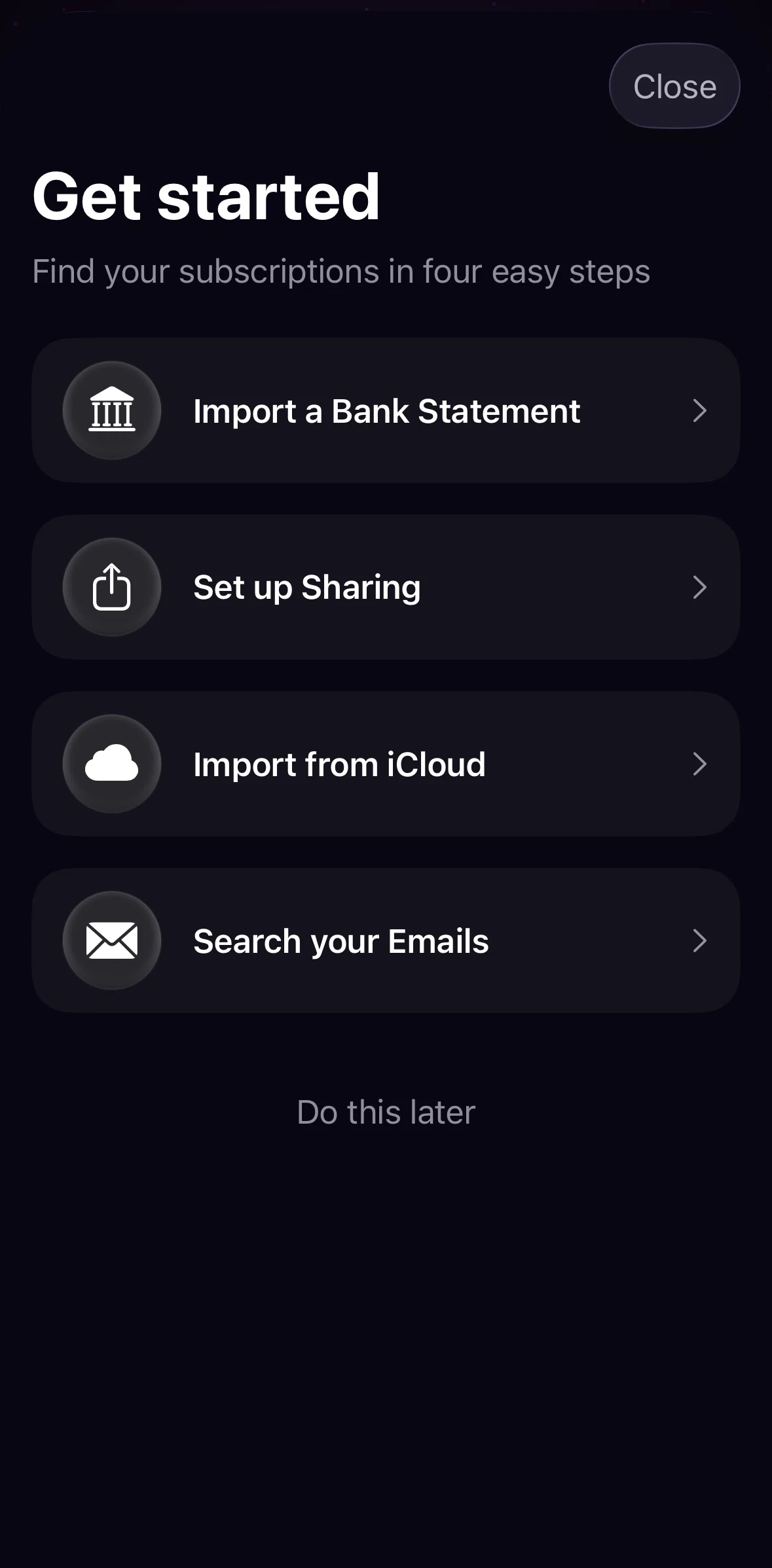
Get started
Grouping subscriptions
How are savings calculated
Import from iCloud
Marking a subscription as canceled
Moving a subscription
Moving a subscription (drag)
Notifications
Onboarding
Payment methods
Price history
Renaming a category
Renaming a payment method
Searching a subscription
Searching for a logo
Sending a test notification
Set up sharing
Settings
Sorting subscriptions
Subscribe to Orbit Plus
Subscription detail
Subscriptions
Switching statistics
Turning on notifications
FLOW
Set up sharing
Archived Jan 5, 2026
1
Screen
Free
PRO
Member-only screen
Unlock with membership
2
Locked
Download original
×
Sign in to download
Screenshot downloads are available to Applode members.
Sign in