Research
In-App Flows
Sign in
In-App Flows
/
iOS
/
Universe
/
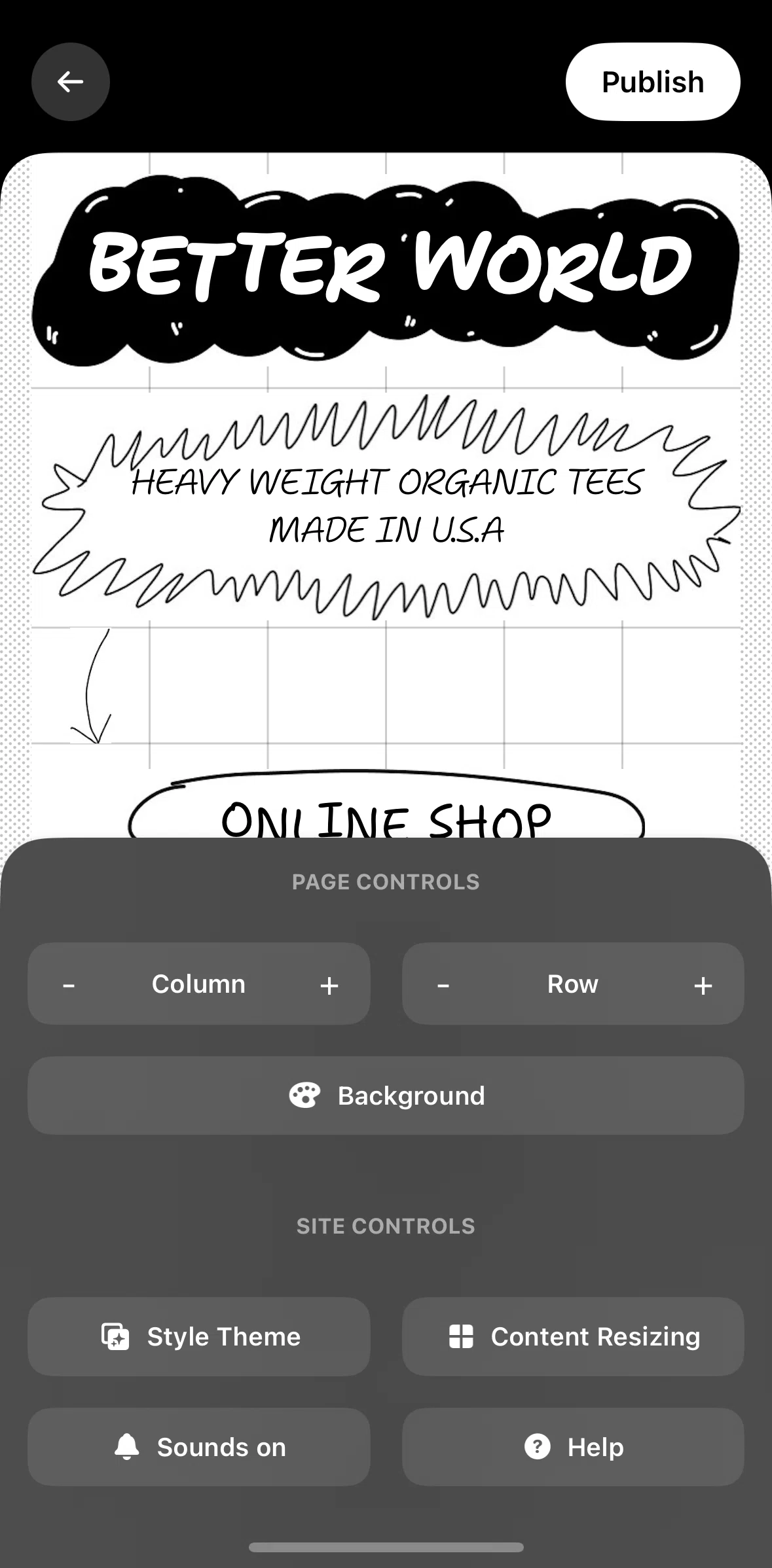
Style theme options
APP
Universe
iOS
View App details
→
Screens
Flows
Showing
2
screens
About
Account balance
Add a bank account
Add a code
Adding a cash link
Adding a contact link
Adding a downloadable file
Adding a GIF
Adding a note
Adding a page
Adding a social link
Adding a subscribe button
Adding a variation
Adding a video
Adding an image
App info
Audience
Block options
Changing a sticker
Changing map style
Changing page background
Choosing a domain
Commerce
Connect to PayPal
Contact support
Content resizing
Creating A Post
Creating a site
Creating A Website
Deleting a subscriber
Deleting an image
Discovering Content
Drawing a doodle
Edit menu style
Editing an image
Editing columns
Editing page details
Editing product style
Editing profile
Editing site info
Editing text
Editing theme button
Editing theme text
Email subscribers
Explore sites
Exporting order list
General Browsing
Invite a site collaborator
Logging in
Logging out
Marketing integrations
Onboarding
Page and site controls
Page detail
Pages
Presentation style info
Products
Resetting password
Resetting website
Searching help center
Searching Universe
Selling a product
Sending an email
Setting up payments
Settings
Shipping
Style theme options
Terms of service
Turning off sound
Upgrading Your Account
View published site
Views
FLOW
Style theme options
Archived May 5, 2025
1
Screen
Free
PRO
Member-only screen
Unlock with membership
2
Locked
Download original
×
Sign in to download
Screenshot downloads are available to Applode members.
Sign in