Research
In-App Flows
Sign in
In-App Flows
/
iOS
/
Cal AI
/
Widgets
APP
Cal AI
iOS
View App details
→
Screens
Flows
Showing
1
screens
Adding a custom food
Adding an ingredient
Changing food name
Changing language
Changing water intake settings
Copying a promo code
Creating a meal
Deleting a food
Deleting an account
Dynamic Island
Editing daily goals
Fixing an issue
Food detail
Generating results using AI
Home
Live Activities
Logging a food intake
Logging a food intake (voice input)
Logging an exercise
Logging in
Logging out
Onboarding
Personal detail
Progress
Reporting a food
Saved foods
Saving a food
Scanning a food
Settings
Subscribing to CalAI
Switching to dark mode
Turning on live activity
View BMI
View daily breakdown
View streak
View weight history
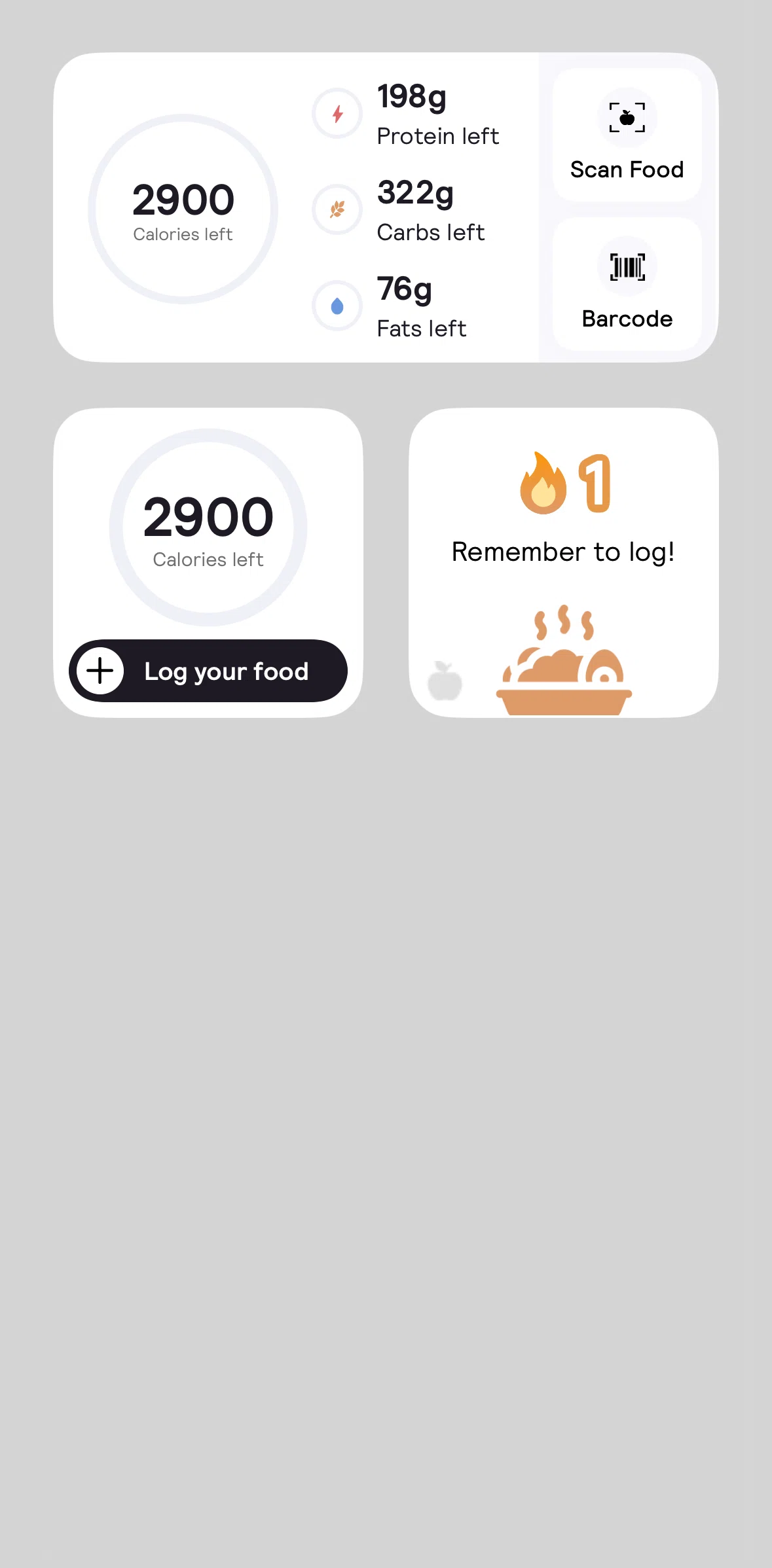
Widgets
FLOW
Widgets
Archived Sep 29, 2025
1
Screen
Free
Download original
×
Sign in to download
Screenshot downloads are available to Applode members.
Sign in