Research
In-App Flows
Sign in
In-App Flows
/
iOS
/
Rainbow
/
Backups
APP
Rainbow
iOS
View App details
→
Screens
Flows
Showing
3
screens
Adding another wallet
Adding ETH to watchlist
Backing up to iCloud
Backups
Browse lists
Buying crypto
Cancelling a transaction
Changing app icon
Changing wallet icon
Copying wallet address
Creating a new wallet
Creating ENS profile
Crypto detail (ETH)
Currency settings
DeFi Pulse Index
Developer settings
Disconnecting an App
Discover Web3
Enabling notifications
Essentials article
Get started with Rainbow
Hiding a token
Home
Learn about Ethereum
More wallet options
Notification settings
Onboarding
Pair a Hardware Wallet
Pinning a token
Privacy settings
Registering a .eth name
Removing a wallet
Restoring account with a private key
Scanning to connect a wallet
Searching all of Ethereum
Sending crypto
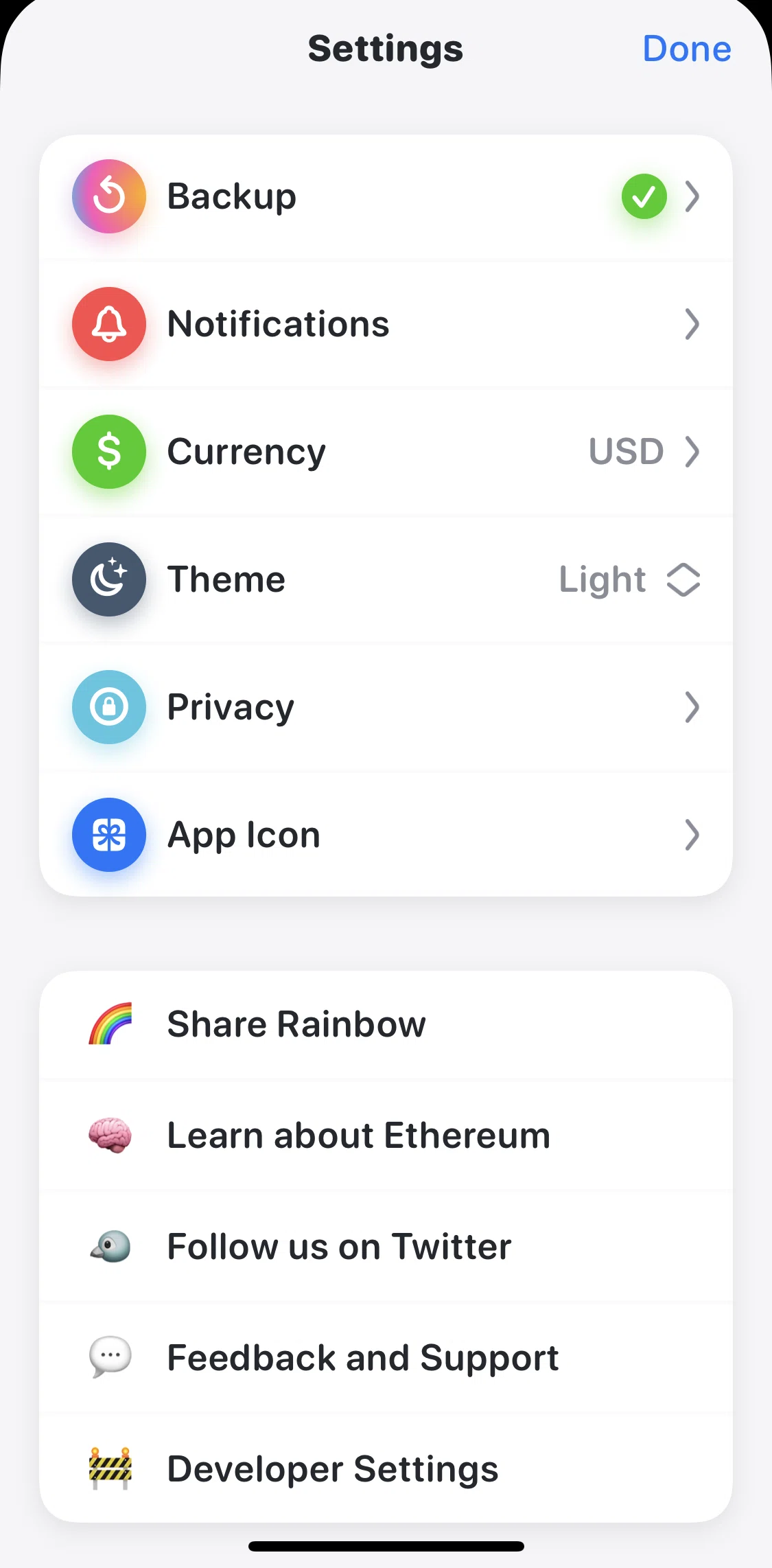
Settings
Share Rainbow
Speed up a transaction
Swapping crypto
Switching to dark mode
Transaction history
Verifying identity
View an NFT
View secret phrase
Wallet QR code
Watching an Ethereum address
FLOW
Backups
Archived May 23, 2023
1
Screen
Free
PRO
Member-only screen
Unlock with membership
2
Locked
PRO
Member-only screen
Unlock with membership
3
Locked
Download original
×
Sign in to download
Screenshot downloads are available to Applode members.
Sign in