Research
In-App Flows
Sign in
In-App Flows
/
iOS
/
Rainbow
/
Get started with Rainbow
APP
Rainbow
iOS
View App details
→
Screens
Flows
Showing
3
screens
Adding another wallet
Adding ETH to watchlist
Backing up to iCloud
Backups
Browse lists
Buying crypto
Cancelling a transaction
Changing app icon
Changing wallet icon
Copying wallet address
Creating a new wallet
Creating ENS profile
Crypto detail (ETH)
Currency settings
DeFi Pulse Index
Developer settings
Disconnecting an App
Discover Web3
Enabling notifications
Essentials article
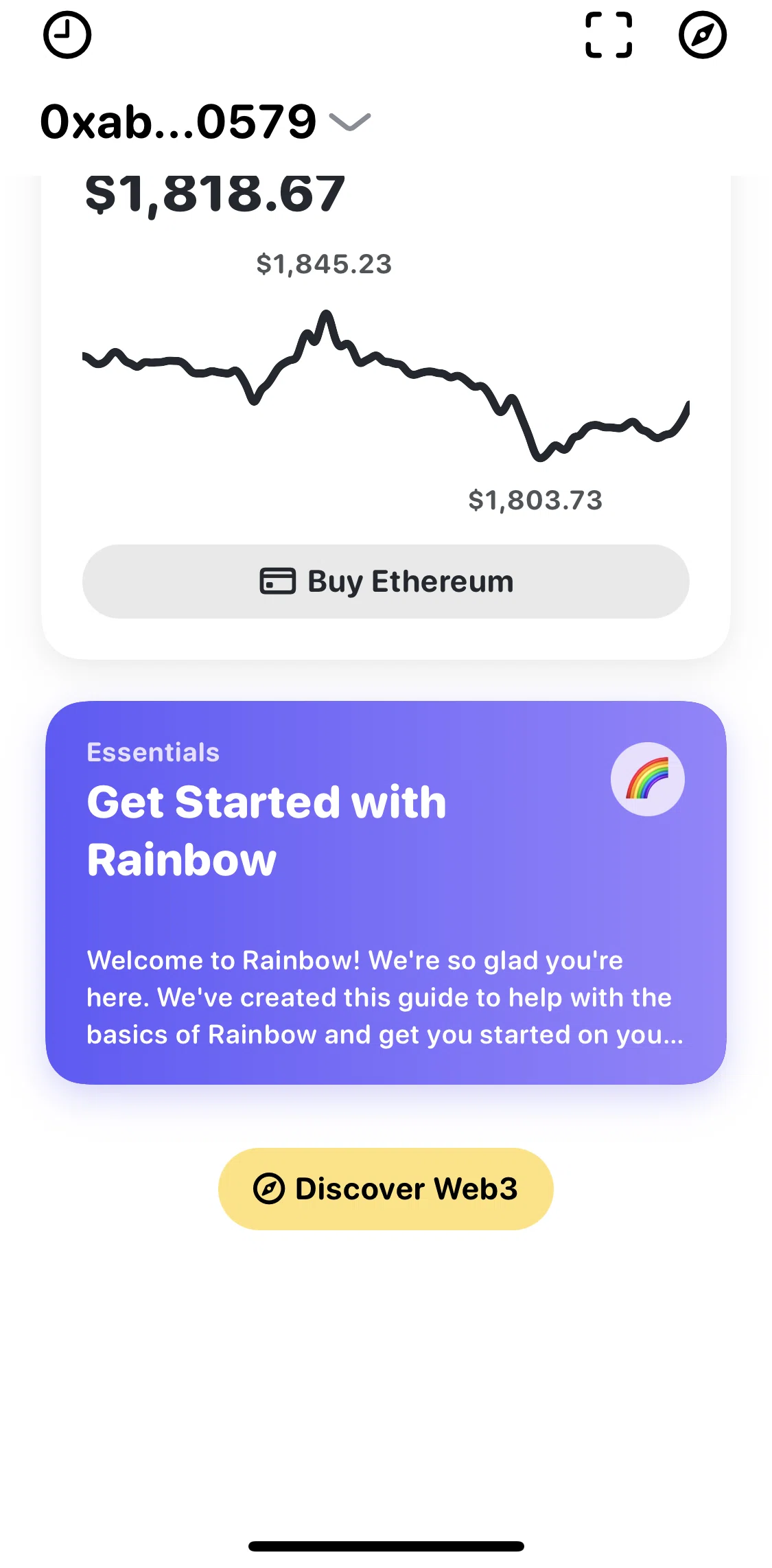
Get started with Rainbow
Hiding a token
Home
Learn about Ethereum
More wallet options
Notification settings
Onboarding
Pair a Hardware Wallet
Pinning a token
Privacy settings
Registering a .eth name
Removing a wallet
Restoring account with a private key
Scanning to connect a wallet
Searching all of Ethereum
Sending crypto
Settings
Share Rainbow
Speed up a transaction
Swapping crypto
Switching to dark mode
Transaction history
Verifying identity
View an NFT
View secret phrase
Wallet QR code
Watching an Ethereum address
FLOW
Get started with Rainbow
Archived May 23, 2023
1
Screen
Free
PRO
Member-only screen
Unlock with membership
2
Locked
PRO
Member-only screen
Unlock with membership
3
Locked
Download original
×
Sign in to download
Screenshot downloads are available to Applode members.
Sign in