Research
In-App Flows
Sign in
In-App Flows
/
iOS
/
PocketCU
/
Manage membership card
APP
PocketCU
iOS
View App details
→
Screens
Flows
Showing
3
screens
Access permissions
Adding a delivery address
Adding a product to cart
Adding a product to delivery cart
Adding a store to favorites
Adding card balance
Affiliate verification
Article detail
Benefits
Buying a gift certificate
Cancelation & return history
Cancelation information
Canceling a scheduled top up
Canceling a subscription
Canceling an order
Cart
Changing a card color
Changing a card name
Changing a pickup location
Changing point password
Checking products at a store
Commenting on an article
Copying a gift link
Creating a CU Pay card
Creating a CU Pay Money card
CU BAR
CU Con
CU keeping information
CU land
CU Pay
CU point
CU subscription
Customer center
Deleting a card
Deleting a comment
Deleting caches
Delivery
Delivery reservation
Donate points
Earn point coupons
Earning points (attendance)
Earning points (watch a video)
Edit member information
Editing a comment
Editing profile
Event
Event detail
FAQ
Filtering products
Gift points
Home
Home delivery
Hot issue products
Income deduction
Inquiries
Liking a product
Liking an event
Link MIL.k points
Linked accounts
Linking a bank account
Logging in
Logging out
Manage card
Manage delivery address
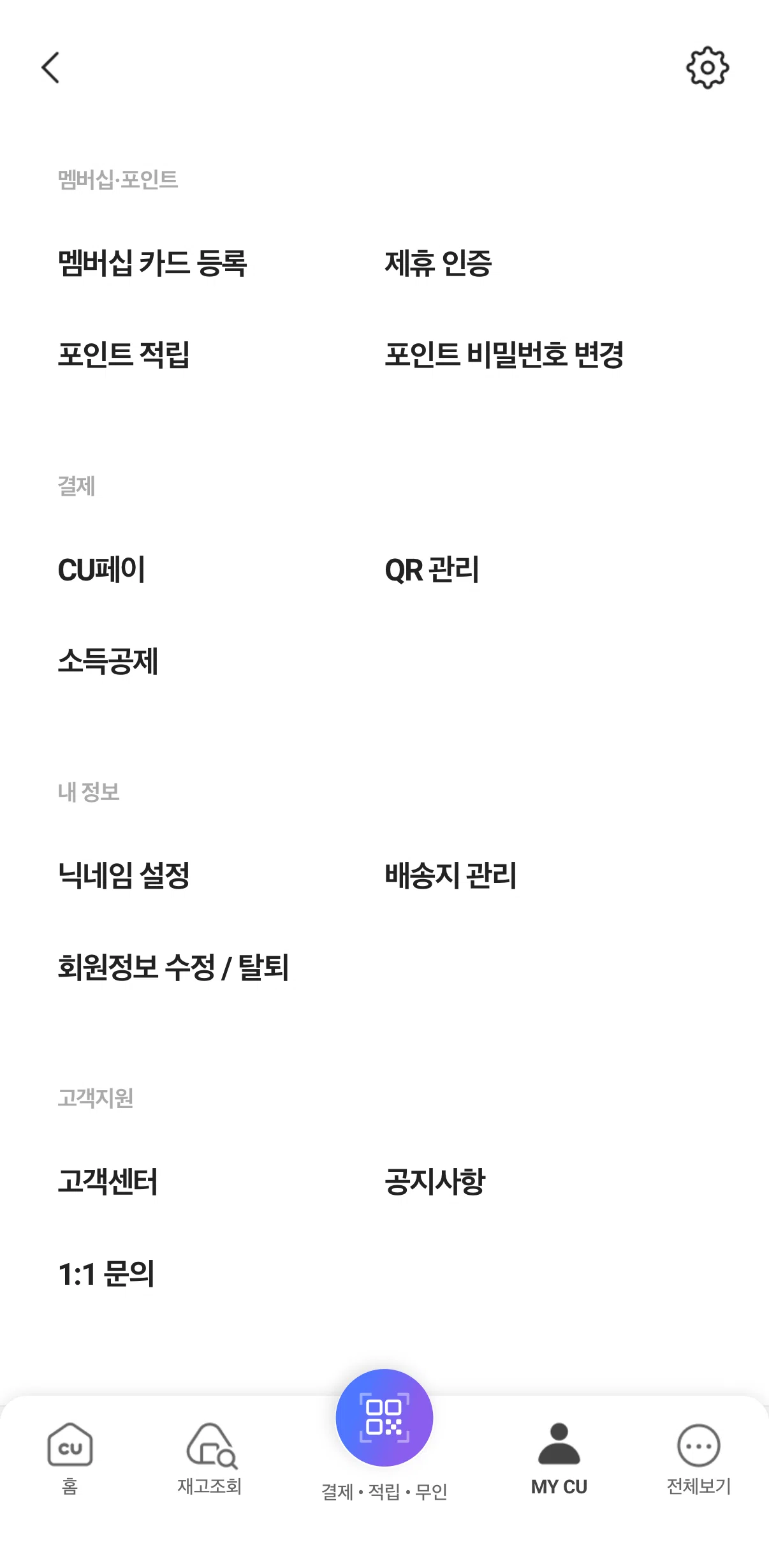
Manage membership card
Manage stores
My CU
Notice
Notifications
Onboarding
Order history
Payment & points
Payment history
Pick up
Point top-up
Pre-order
Product detail
Product information disclosure
Purchasing a product
QR payment
QR payment settings
Rating a pick-up experience
Register a membership card
Register gift certificates
Registering to an event
Registering to CU Pay Money Family
Removing a product from cart
Requesting a product
Resetting password
Resetting password (CU Pay)
Review
Running event
Saved product detail
Saved products
Schedule a parcel delivery
Scheduling a top up
Search
Searching a product within store
Searching a store
Searching CU
Searching PocketCU
See all
Select an authentication method
Select restricted items
Selecting a store
Selecting a voucher
Settings
Sorting products
Special exhibition
Store detail
Store locations
Subscribing to a meal plan
Subscription detail
Subscription information
Turning on automatic matching
Turning on receive mobile receipt only
Unmanned store
User guide
Verifying age
Widgets
FLOW
Manage membership card
Archived Aug 3, 2026
1
Screen
Free
PRO
Member-only screen
Unlock with membership
2
Locked
PRO
Member-only screen
Unlock with membership
3
Locked
Download original
×
Sign in to download
Screenshot downloads are available to Applode members.
Sign in