Research
In-App Flows
Sign in
In-App Flows
/
iOS
/
PocketCU
/
QR payment
APP
PocketCU
iOS
View App details
→
Screens
Flows
Showing
3
screens
Access permissions
Adding a delivery address
Adding a product to cart
Adding a product to delivery cart
Adding a store to favorites
Adding card balance
Affiliate verification
Article detail
Benefits
Buying a gift certificate
Cancelation & return history
Cancelation information
Canceling a scheduled top up
Canceling a subscription
Canceling an order
Cart
Changing a card color
Changing a card name
Changing a pickup location
Changing point password
Checking products at a store
Commenting on an article
Copying a gift link
Creating a CU Pay card
Creating a CU Pay Money card
CU BAR
CU Con
CU keeping information
CU land
CU Pay
CU point
CU subscription
Customer center
Deleting a card
Deleting a comment
Deleting caches
Delivery
Delivery reservation
Donate points
Earn point coupons
Earning points (attendance)
Earning points (watch a video)
Edit member information
Editing a comment
Editing profile
Event
Event detail
FAQ
Filtering products
Gift points
Home
Home delivery
Hot issue products
Income deduction
Inquiries
Liking a product
Liking an event
Link MIL.k points
Linked accounts
Linking a bank account
Logging in
Logging out
Manage card
Manage delivery address
Manage membership card
Manage stores
My CU
Notice
Notifications
Onboarding
Order history
Payment & points
Payment history
Pick up
Point top-up
Pre-order
Product detail
Product information disclosure
Purchasing a product
QR payment
QR payment settings
Rating a pick-up experience
Register a membership card
Register gift certificates
Registering to an event
Registering to CU Pay Money Family
Removing a product from cart
Requesting a product
Resetting password
Resetting password (CU Pay)
Review
Running event
Saved product detail
Saved products
Schedule a parcel delivery
Scheduling a top up
Search
Searching a product within store
Searching a store
Searching CU
Searching PocketCU
See all
Select an authentication method
Select restricted items
Selecting a store
Selecting a voucher
Settings
Sorting products
Special exhibition
Store detail
Store locations
Subscribing to a meal plan
Subscription detail
Subscription information
Turning on automatic matching
Turning on receive mobile receipt only
Unmanned store
User guide
Verifying age
Widgets
FLOW
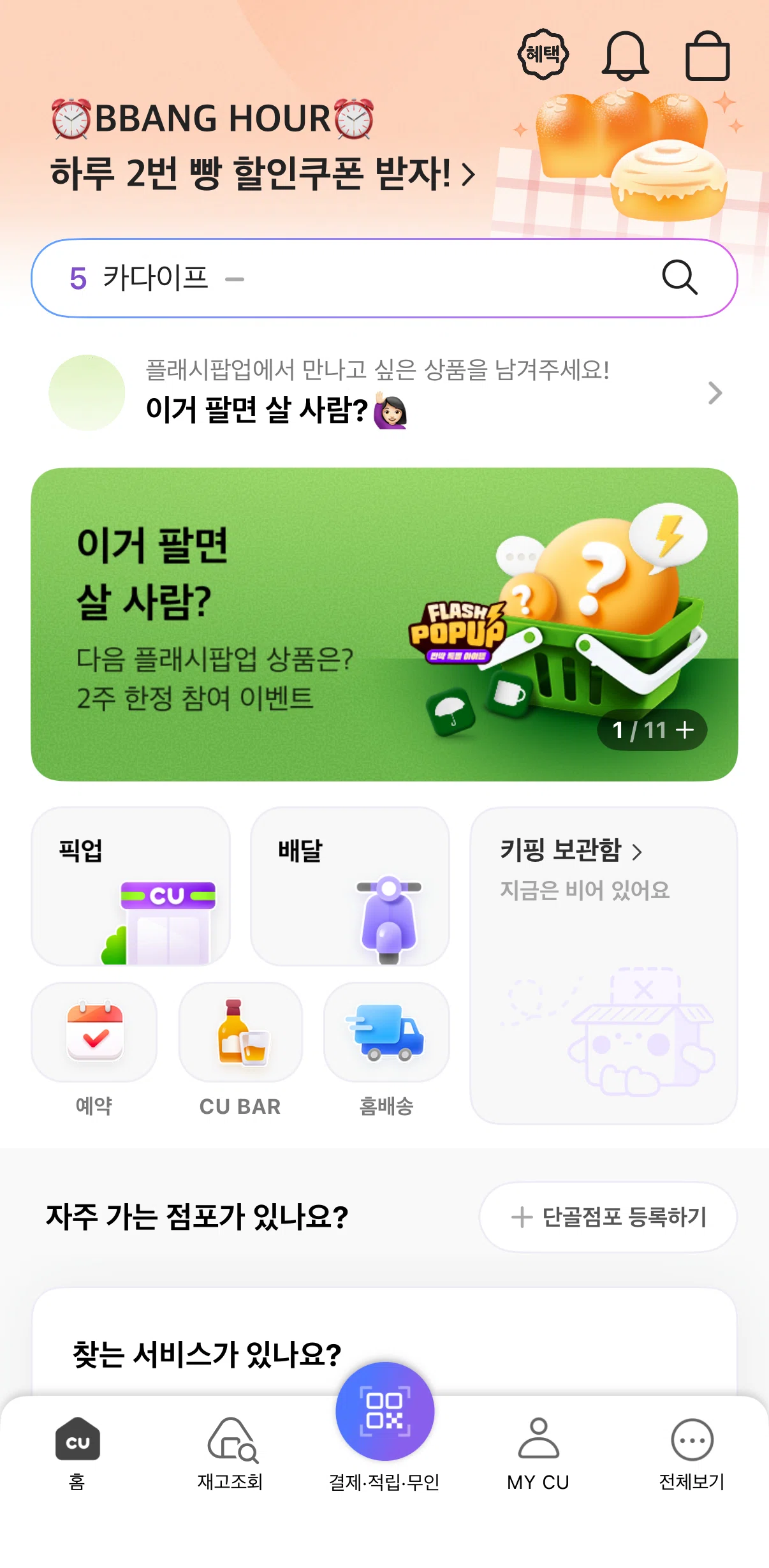
QR payment
Archived Aug 3, 2026
1
Screen
Free
PRO
Member-only screen
Unlock with membership
2
Locked
PRO
Member-only screen
Unlock with membership
3
Locked
Download original
×
Sign in to download
Screenshot downloads are available to Applode members.
Sign in